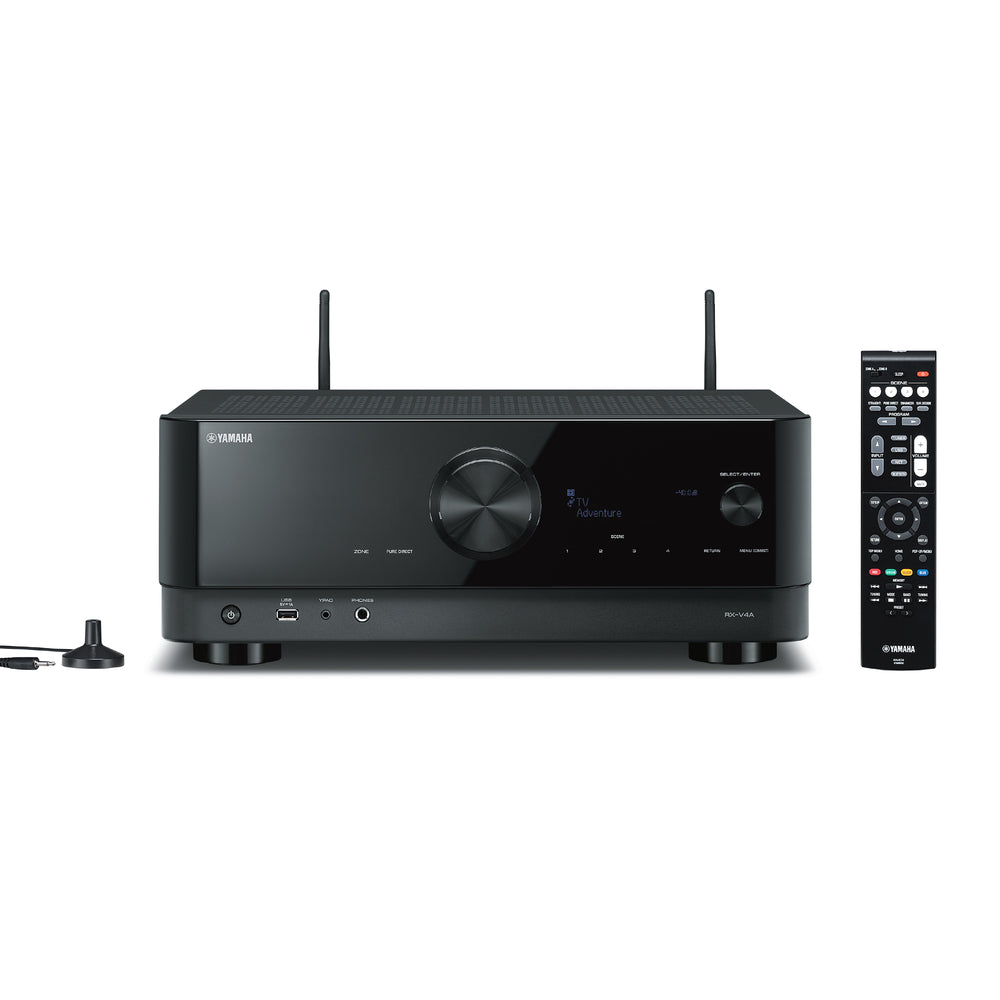
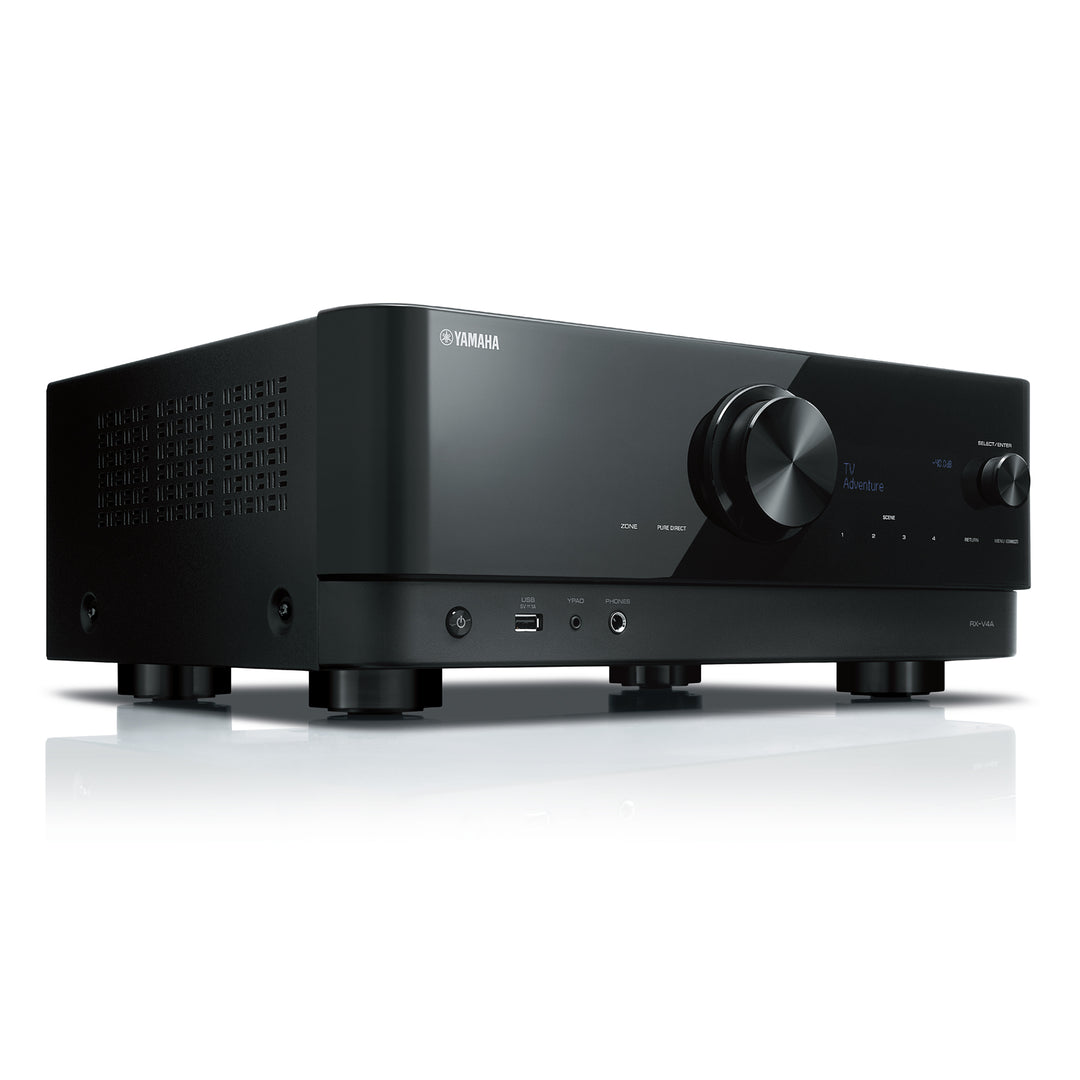
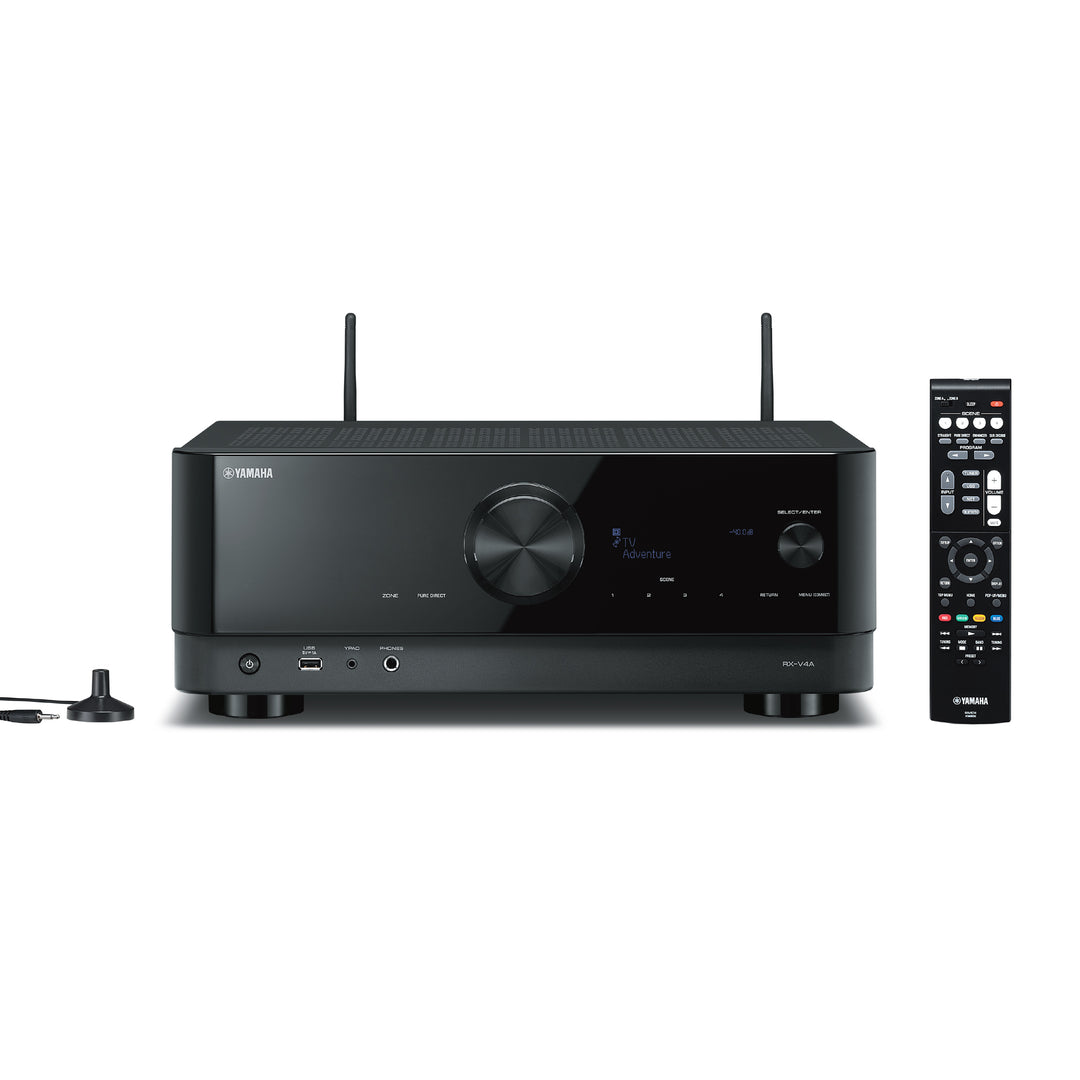
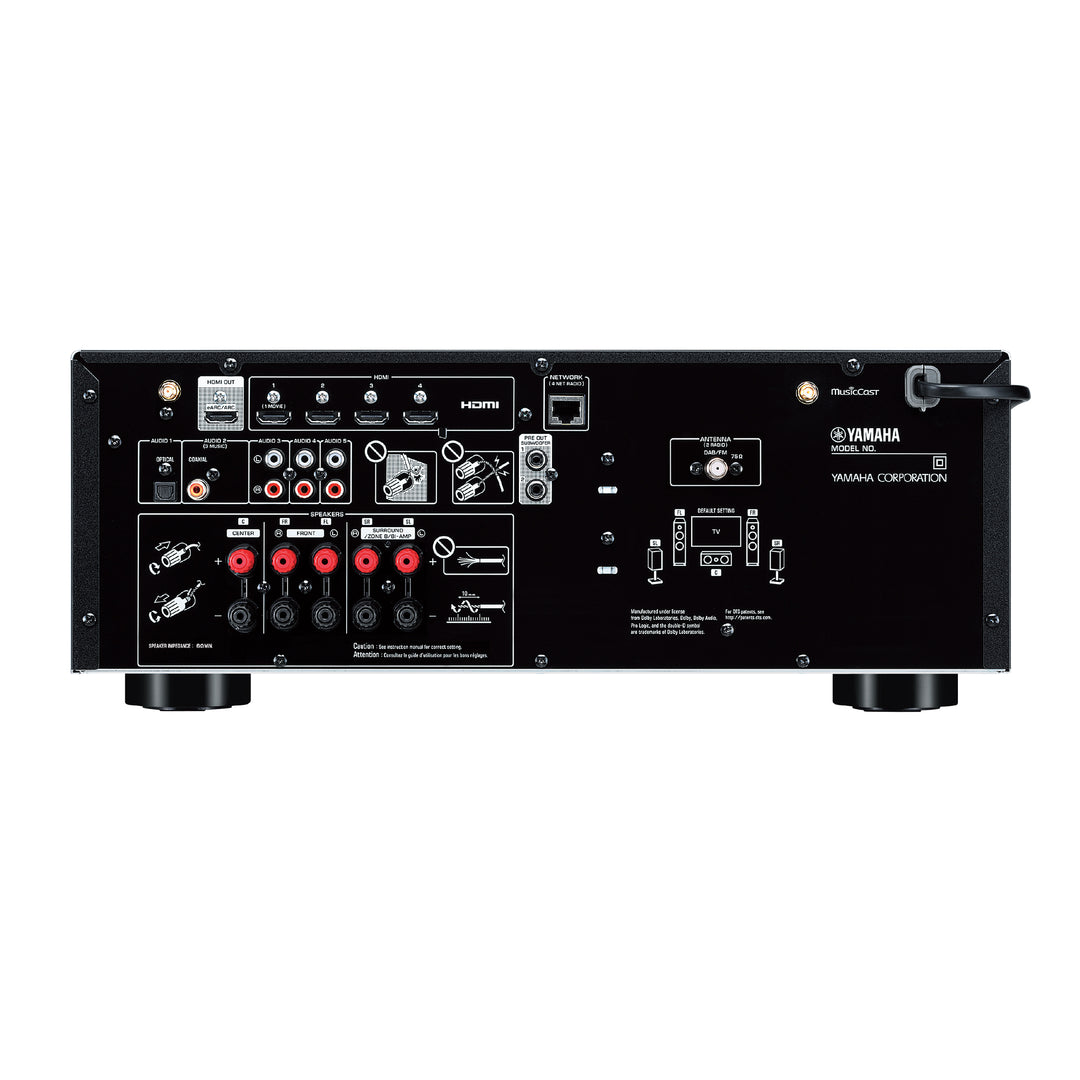
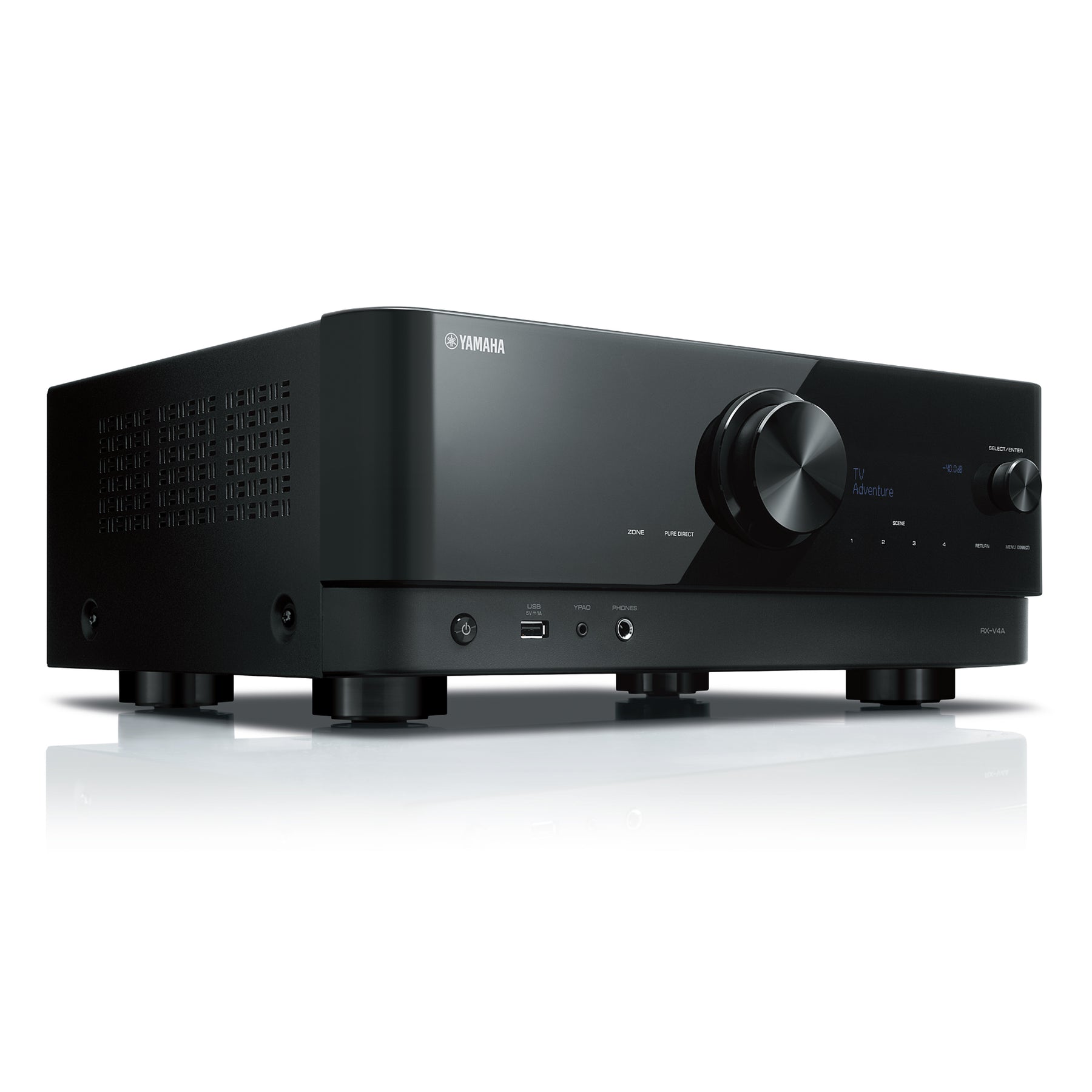
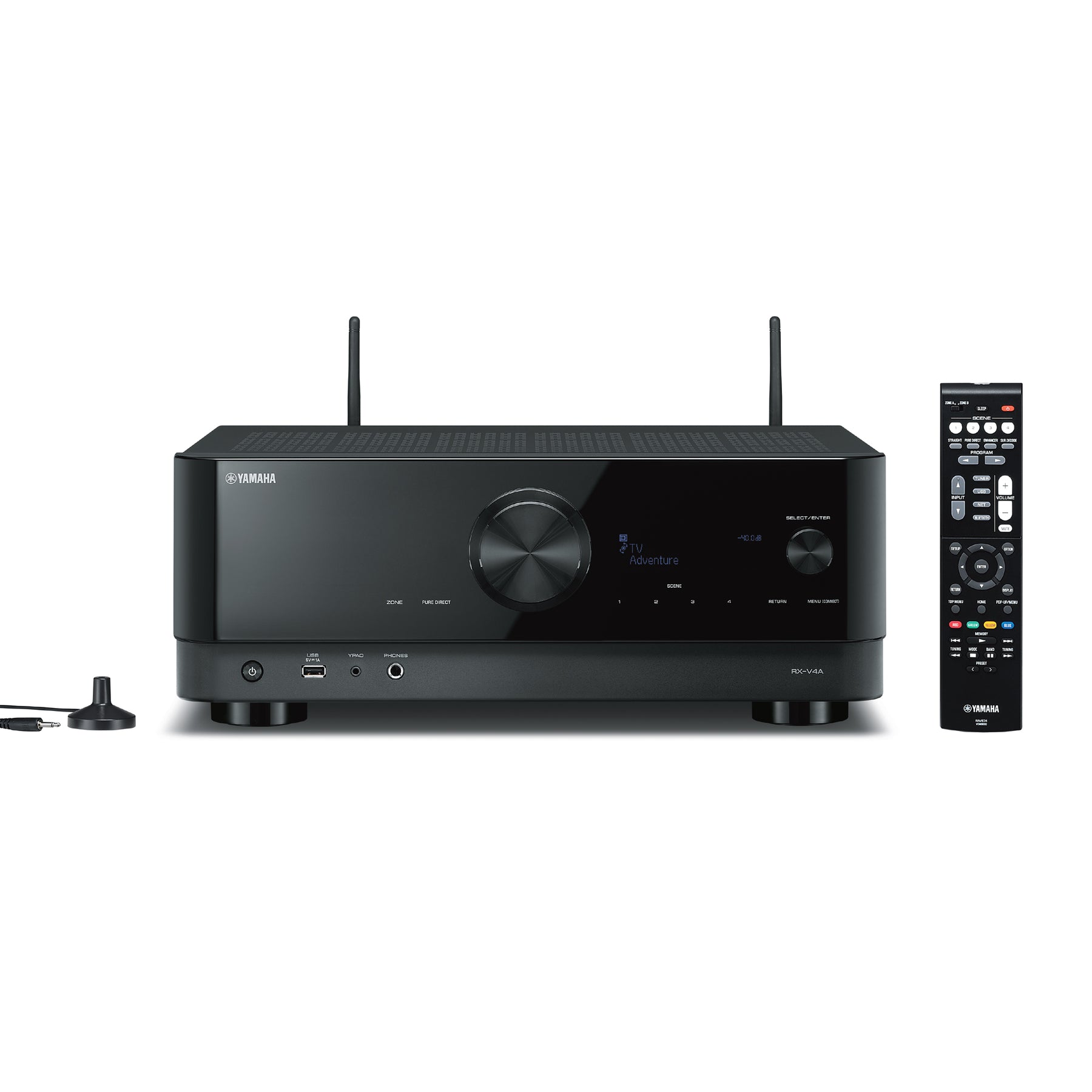
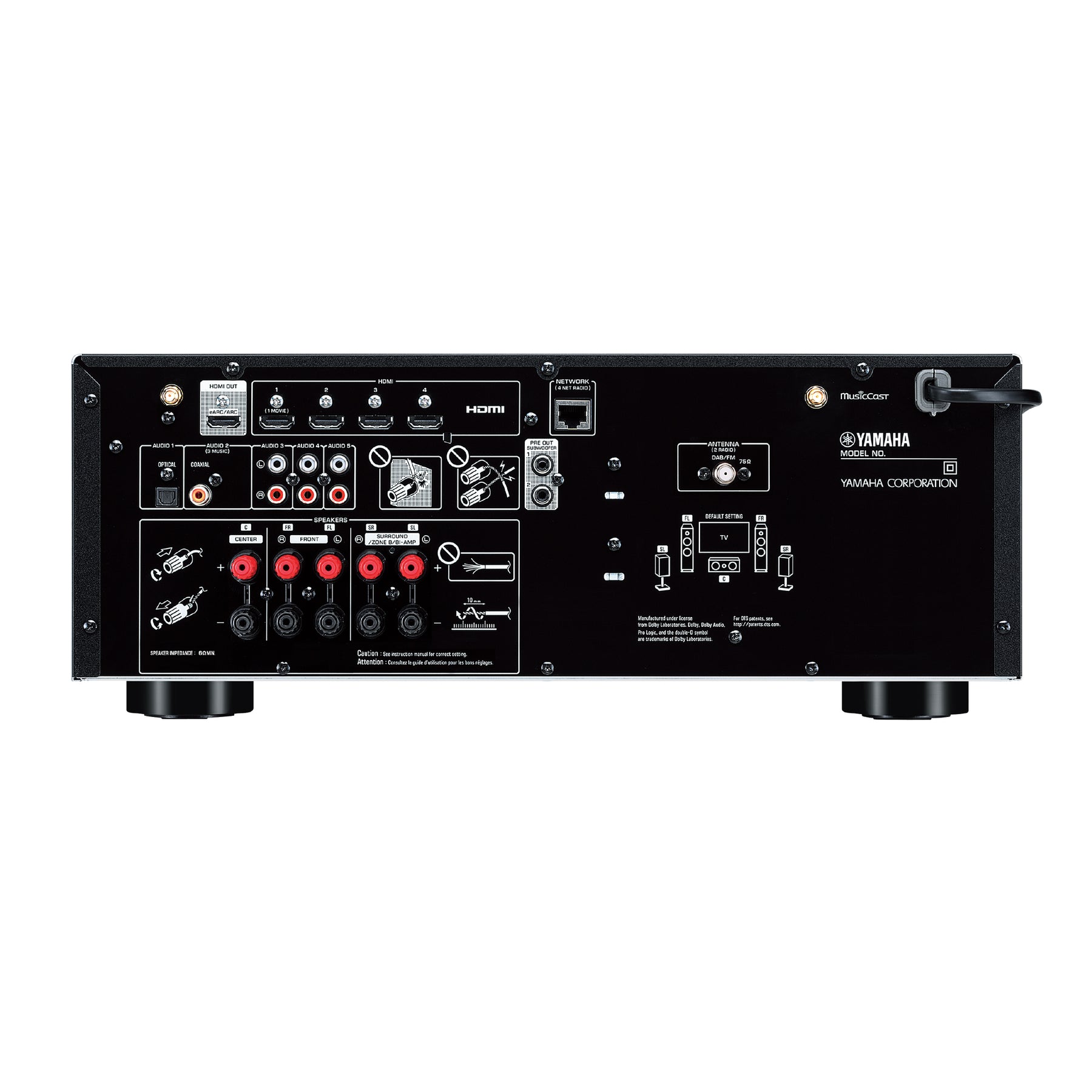
Yamaha RX-V4A 5.2 CH AV Receiver (80W)

Yamaha RX-V4A 5.2 CH AV Receiver (80W)

4.9
Rated 4.9 out of 5 stars
10 Reviews
TODD'S BEATS
Sale price
$999.00 $890.00
Save $109.00
Found it cheaper at another Australian retailer?
Todd's Beats - we'll beat their price, chat to us for details
Call 07 3907 7777 | Live Chat
View terms
  • Todds approved
  • FREE SHIPPING (orders over $29)
  • Low stock - 1 item left
  • Backordered, shipping soon

FREE SHIPPING around Australia for all orders over $29
(TVs & Furniture are to Brisbane metro only)
Rural and remote areas and large bulky items may incur a surcharge, we will be in touch if need be, of course order cancellation would be an option if you prefer.

Orders are dispatched next business day.

 

Zip - Zip now Pay Later -Logo
4.9
Rated 4.9 out of 5 stars
Based on 10 reviews
Total 5 star reviews: 9
Total 4 star reviews: 1
Total 3 star reviews: 0
Total 2 star reviews: 0
Total 1 star reviews: 0
100%would recommend this product
Slide 1 selected
10 reviews
  • SH
    STEVEN H.
    Verified Buyer
    I recommend this product
    Rated 5 out of 5 stars
    3 weeks ago
    NET RADIO

    I got network radio on my system.

    I rang optus first they took me to a site to enable a few things then I went to my set up on my remote control system and I went to network then network connection then I went wireless and pressed ok then I went to ACCESS POINT SCAN THEN I PRESSED MY WIRELESS NETWORK NAME OPTUS_080EDOM AND IT BRINGS MY SSID-OPTUS_080EDOM AND SECURITY WPA2-PSK AES TTHEN YOU PRESS SECURITY KEY AND ENTER YOUR PASSWORD TO YOUR WI FI INTERNET.

  • RW
    Raanan W.
    Verified Buyer
    I recommend this product
    Rated 5 out of 5 stars
    Yesterday
    So intuitive and capable

    Coming from someone who only ever needed to plug&play a cluster of small speakers to an old Blu-Ray player, and that to my TV, console, and media player, this receiver looked daunting. But just diving in and following the simple guide to setting it up shows how incredibly versatile and intuitive this device is. There's so much I can expand in terms of interface settings and future peripherals, but receiver's on-screen interface and the accompanying app are really well thought out and make it easy for a beginner like me to set up a great sound experience at home.

  • SH
    STEVEN H.
    Verified Buyer
    I recommend this product
    Rated 5 out of 5 stars
    3 weeks ago
    netv radio

    I got network radio on my system.

    I rang optus first they took me to a site to enable a few things then I went to my set up on my remote control system and I went to network then network connection then I went wireless and pressed ok then I went to ACCESS POINT SCAN THEN I PRESSED MY WIRELESS NETWORK NAME OPTUS_080EDOM AND IT BRINGS MY SSID-OPTUS_080EDOM AND SECURITY WPA2-PSK AES TTHEN YOU PRESS SECURITY KEY AND ENTER YOUR PASSWORD TO YOUR WI FI INTERNET.

  • BP
    Bruce P.
    Verified Buyer
    I recommend this product
    Rated 5 out of 5 stars
    1 month ago
    Mr Bruce Patterson

    Very easy process from start to finish

    Thanks

  • DB
    David B.
    Verified Buyer
    I recommend this product
    Rated 5 out of 5 stars
    1 month ago
    Great value and features

    A great value 5.2 receiver with plenty of punch and great sound quality. I like that I can stream Spotify and other media streams without needing a Smart TV in between. I'm sure there are much better amps around, but this fits my requirements, sounds great, has awesome features and is very friendly on my wallet.

    Oh, and it is way easier to drive than my previous Denon.

We're renowned for our advice so chat to us today if you need any...