Filter
BenQ
BenQ 4K projectors for home cinema and gaming, including the TK710 laser projector and the W2720i with a 4LED light source. See more in projectors.





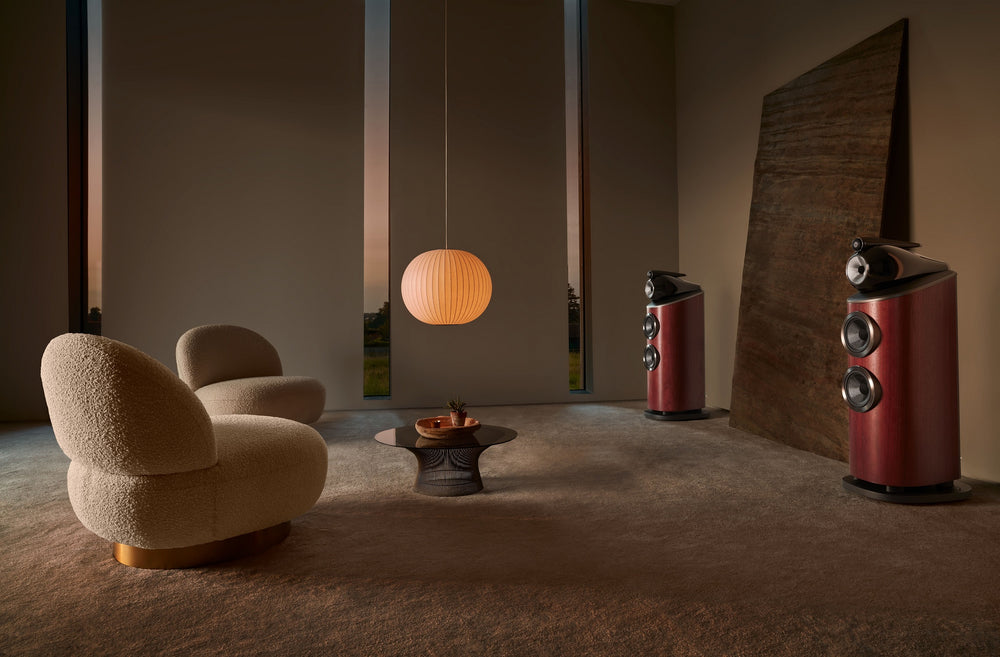
BenQ 4K projectors for home cinema and gaming, including the TK710 laser projector and the W2720i with a 4LED light source. See more in projectors.
BenQ guide
A projector turns a wall or screen into a cinema. This collection has two BenQ 4K models: the TK710, which BenQ describes as a casual gaming projector, and the W2720i home cinema projector. Both use 3840 x 2160 resolution and support HDR. Our team can help you match one to your room.
Start with the room. A projector needs a dark or dimmable space to show its full contrast, and brightness is measured in lumens. A higher figure helps when some light reaches the screen. BenQ rates the TK710 at 3,200 ANSI lumens and the W2720i at 2,500 ANSI lumens.
Next, look at the light source. The TK710 uses a laser rated at 20,000 hours. The W2720i uses a 4LED source rated at up to 30,000 hours in Eco mode. Neither has a lamp to replace.
Then think about how you will use it. For movies, look at HDR support and colour. The W2720i supports HDR10, HDR10+ and HLG, and BenQ says it covers 90% of DCI-P3. For gaming, look at input lag. BenQ lists 4.2ms at 1080p/240Hz for the TK710 and 6.5ms at 1080p/240Hz for the W2720i.
Finally, check set-up. Both have a 1.3x zoom, which gives some flexibility in where you mount the projector. You will also need a screen or a suitable wall, and speakers or a soundbar, because a projector is only the picture.
Both projectors suit movies and games, but they lean different ways. BenQ calls the TK710 a casual gaming projector and lists input lag as low as 4.2ms at 1080p/240Hz. The W2720i is a home cinema model with HDR10+, an Android TV dongle for streaming and three HDMI 2.1 inputs. Pick on how you will use it most.
A projector shows the picture, so you will want separate audio. The W2720i has two 5W speakers built in, but most people add a soundbar or a speaker system for movies. Both models list eARC on an HDMI input, so you can send sound to a soundbar or AV receiver. Our team can suggest options that suit your room.
Not always. A smooth, light-coloured wall can work, and many people start that way. A dedicated screen gives a more even surface and usually better contrast and colour. If you plan to use the projector often for movies, a screen is worth considering.
Lumens measure how much light the projector puts out. A higher figure gives a brighter image, which helps if some light reaches the screen. BenQ rates the TK710 at 3,200 ANSI lumens and the W2720i at 2,500 ANSI lumens. Darker rooms need fewer lumens to look good.
No. Lamp-based projectors need a new lamp after a set number of hours, but laser and LED light sources do not. BenQ rates the TK710 laser at 20,000 hours and the W2720i 4LED source at up to 30,000 hours in Eco mode.
It can be, especially on a large screen where extra detail is easier to see. Both BenQ models here use 3840 x 2160 resolution and support HDR. The source also matters, so use 4K discs or streaming to get the most from the picture.
Yes, but the picture is stronger with the room dimmed. A brighter projector and a screen suited to ambient light help. If you watch mostly at night, a lower-brightness model can work well. Tell our team about your room and we can suggest what suits it.
Many do, but they are usually modest. The BenQ W2720i has two 5W speakers. For movies, most people use a soundbar, speakers or a home theatre system. Both BenQ models here list eARC on an HDMI input for sending sound to a compatible device.
BenQ describes the TK710 as a casual gaming projector. It lists input lag as low as 4.2ms at 1080p/240Hz, and the projector has two HDMI 2.0b inputs. Lower input lag means the picture responds faster to your controller.
Throw distance is how far the projector sits from the screen to fill it. A zoom lens gives some flexibility. Both BenQ projectors here have a 1.3x zoom. BenQ says the W2720i projects a 120-inch screen from 2.7 metres away.
Lens shift moves the image up, down or sideways without tilting the projector, so the picture stays square. It makes ceiling or shelf mounting easier. BenQ lists vertical lens shift of plus or minus 5% on the W2720i, so check your mounting height.
You need a screen or a suitable wall, a source such as a streaming device, console or Blu-ray player, and sound. The W2720i includes an Android TV dongle for streaming. A mount is also useful if you want a tidy ceiling install.
Visit our Brisbane showroom or book a session. Our team can help with advice or a demonstration.
Design &
If you're interested in taking your home entertainment experience to a gold-class standard, you're probably not going to get a gold-class outcome without some design and installation help.
Our AV Design and Installation teams have a wealth of experience which results in the ideal balance of clean finish and simple operability.
So come say hi.


