Filter
Sony
Browse Sony BRAVIA 4K TVs from 43 to 100 inches, including QD-OLED, True RGB, Mini LED and LED models. The collection also has the Sony VPL-XW5000ES laser projector.





Sony guide
This collection has Sony BRAVIA 4K TVs in the BRAVIA 3, 5, 7, 8 and 9 families, using LED, Mini LED, RGB LED and QD-OLED panels. It also includes the VPL-XW5000ES native 4K laser projector. Visit our Brisbane showroom, or ask our team for advice.
Start with size and where the TV will sit. Sony BRAVIA models here run from 43 to 100 inches. Measure the wall or cabinet space, and think about how far you sit from the screen. A larger screen suits a larger room, but it needs a seating distance that lets you take in the whole picture.
Next, look at the panel type. The BRAVIA 3 uses an LED backlight. The BRAVIA 5 uses a Mini LED backlight with local dimming. The BRAVIA 7 II and BRAVIA 9 II use an RGB LED backlight, which Sony calls True RGB. The BRAVIA 8 II uses a QD-OLED panel, where each pixel lights itself. Sony lists the XR Processor and Google TV on the BRAVIA 8 II and 7 II.
Then check the connections if you game or use a sound system. Sony lists four HDMI inputs on models such as the BRAVIA 3 II, 5, 7 II and 8 II, and these carry 4K 120Hz features for gaming. HDMI eARC sends audio to a soundbar or AV receiver. For better sound than a TV speaker, the BRAVIA 9 lists Dolby Atmos and Beam Tweeters.
Finally, decide if you want a projector. The VPL-XW5000ES is a native 4K laser projector, and it suits a dedicated screen in a darkened room. Our team can help you match the TV or projector to your room.
LED TVs light the screen with a backlight behind it. Mini LED uses many smaller LEDs, which gives finer control over the light. OLED panels, such as the BRAVIA 8 II, light each pixel individually, which allows deep blacks. Sony's True RGB models use red, green and blue LEDs in the backlight. See each listing for the technology it uses.
A TV suits a living room used in daylight, and it needs no extra equipment to get started. A projector, such as the Sony VPL-XW5000ES, makes a very large picture on a screen and suits a darkened room. A projector needs a screen or a suitable wall, and separate speakers or an AV receiver. Our team can help you decide.
Measure your wall or cabinet space, then think about your seating distance. A larger screen suits a larger room, but you should still be able to take in the whole picture comfortably. Sony BRAVIA models here run from 43 to 100 inches.
They are different Sony TV families with different panel technologies. BRAVIA 3 uses an LED backlight, BRAVIA 5 uses Mini LED, BRAVIA 7 II and 9 II use an RGB LED backlight, and BRAVIA 8 II uses QD-OLED.
QD-OLED is a panel type where each pixel produces its own light, with a quantum dot layer for colour. Sony says it controls over 8 million pixels individually on the BRAVIA 8 II, so blacks can be very deep.
Sony uses True RGB for TVs with an RGB LED backlight, where red, green and blue LEDs are driven independently. Sony lists it on the BRAVIA 7 II and BRAVIA 9 II. It is one of the backlight options in this collection.
Yes. Sony lists Google TV on the BRAVIA models in this collection, so you can use streaming apps and voice search without extra equipment. App availability can change, so check the apps you need.
Sony lists four HDMI inputs on models such as the BRAVIA 3 II, 5 and 7 II, with 4K 120Hz, VRR and ALLM, which are features gamers look for. Check the specifications on the model you like to see which inputs support them.
Not always. Modern TVs have built-in speakers, and some BRAVIA models add extra speaker units for better sound. A soundbar or AV receiver gives you bigger sound and more bass. Use the HDMI eARC input to connect one.
A TV is simple and works well in daylight. A projector makes a much larger picture on a screen, but suits a darkened room and needs separate sound. The Sony VPL-XW5000ES is a native 4K laser projector.
You need a screen or suitable wall, a mount or shelf, a source such as a Blu-ray player, and speakers or an AV receiver. Sony lists a manual zoom of about 1.6x with lens shift to help with placement.
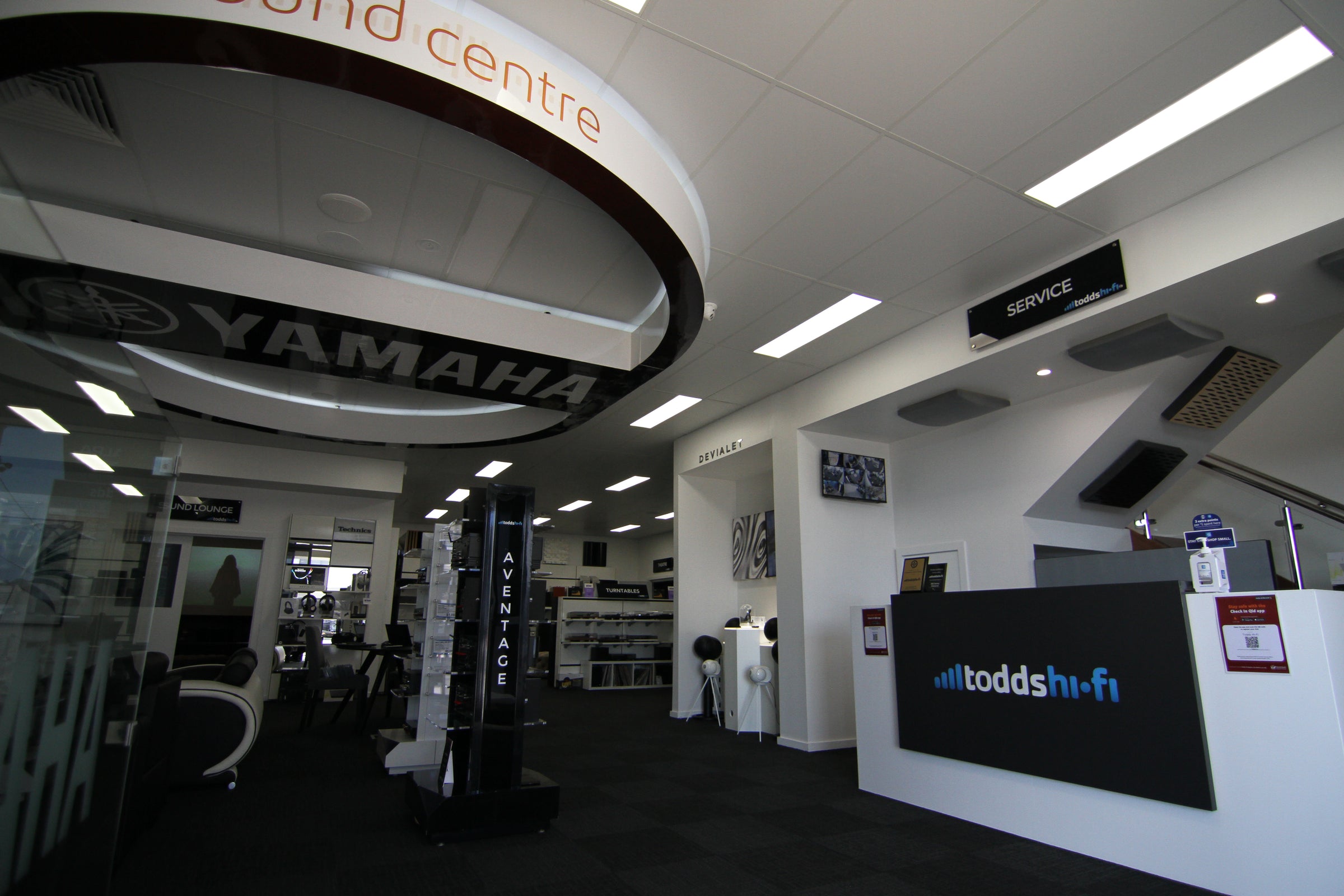
You can visit our Brisbane showroom, and our team can help with advice or a demonstration. It helps to tell us which models you are considering, so we can talk through the differences.
Visit our Brisbane showroom or book a session. Our team can help with advice or a demonstration.
Design &
If you're interested in taking your home entertainment experience to a gold-class standard, you're probably not going to get a gold-class outcome without some design and installation help.
Our AV Design and Installation teams have a wealth of experience which results in the ideal balance of clean finish and simple operability.
So come say hi.


