Filter
Televisions
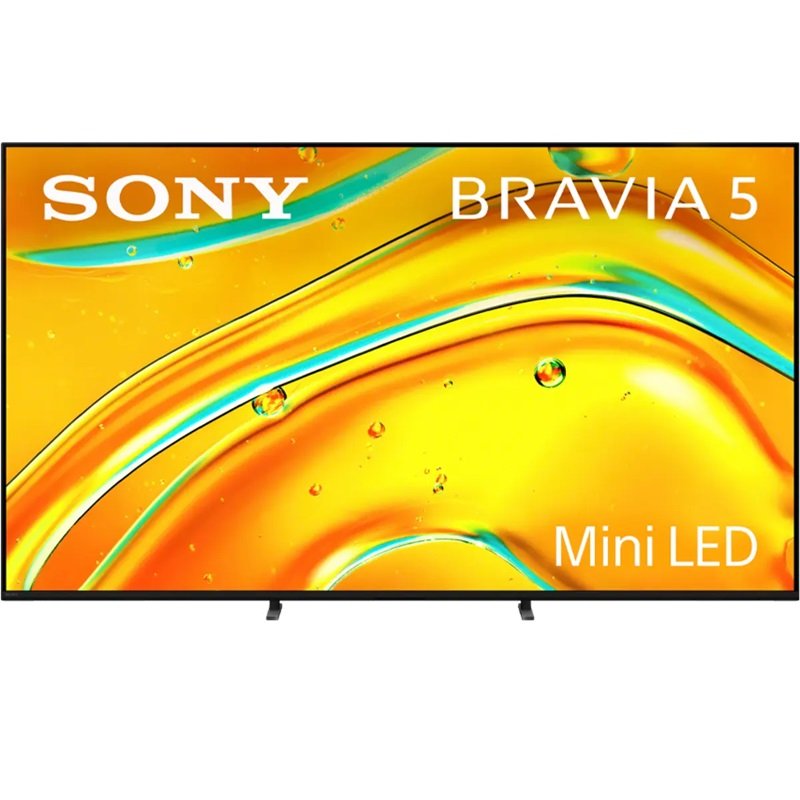
4K TVs from Sony, Hisense and LG, including Sony BRAVIA OLED, Mini LED and LED models, Hisense ULED Mini-LED and an LG QNED Mini LED. Sizes run from 43 inch to 100 inch.





Televisions guide
This collection has Sony BRAVIA TVs in several series, Hisense Mini-LED TVs and an LG QNED Mini LED TV. They all run a smart platform, and the Sony models list Dolby Vision and Dolby Atmos. Our team can help you choose a TV for your room.

Start with size and room. A bigger screen suits a longer seating distance, but it also needs the wall or cabinet space. This collection has sizes from 43 inch to 100 inch. Think about where you sit, how many people watch, and how bright the room is.
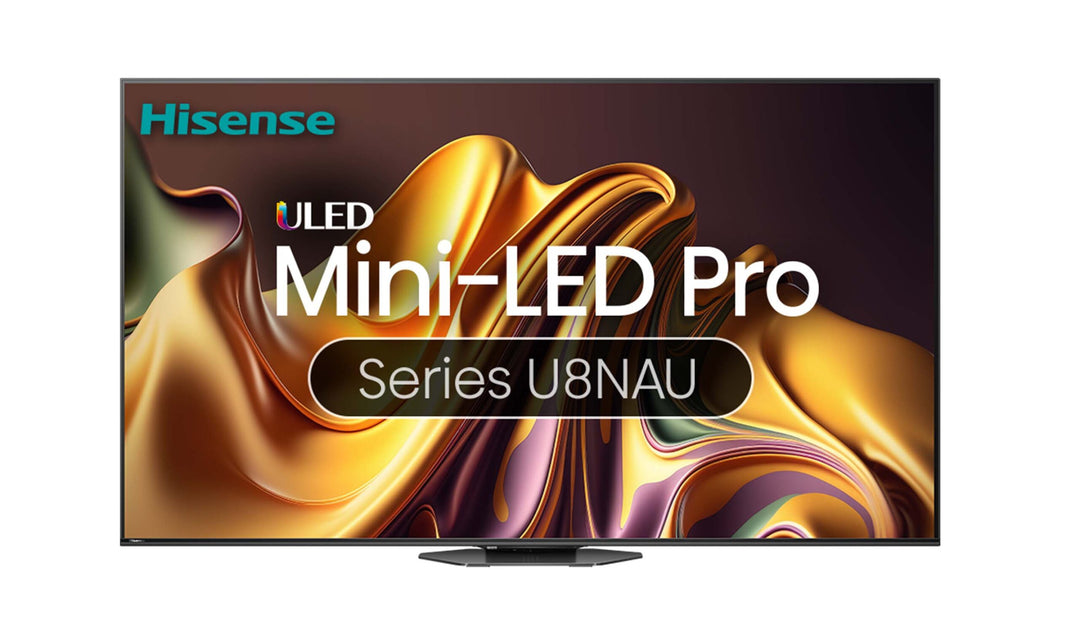
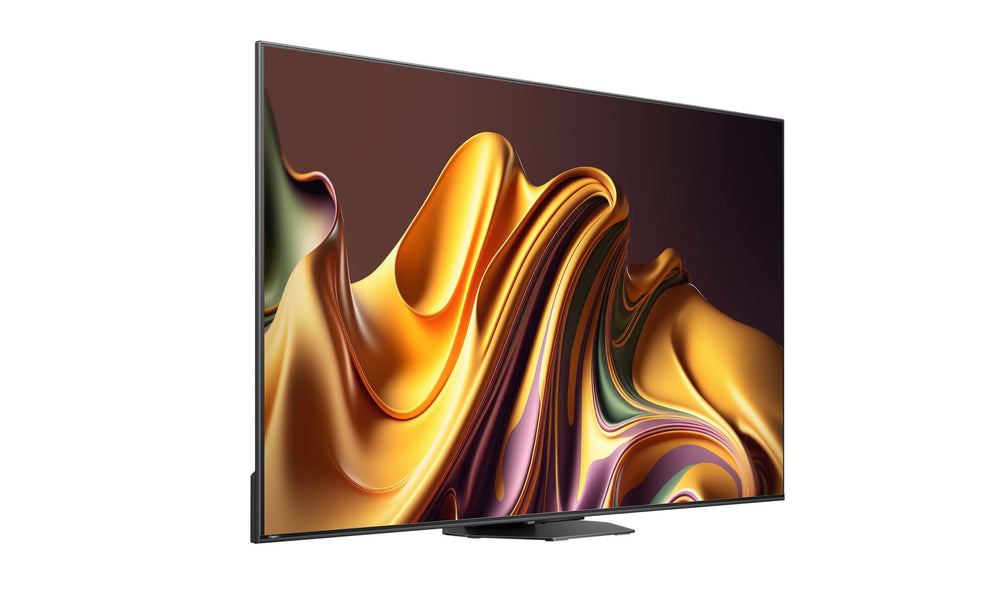
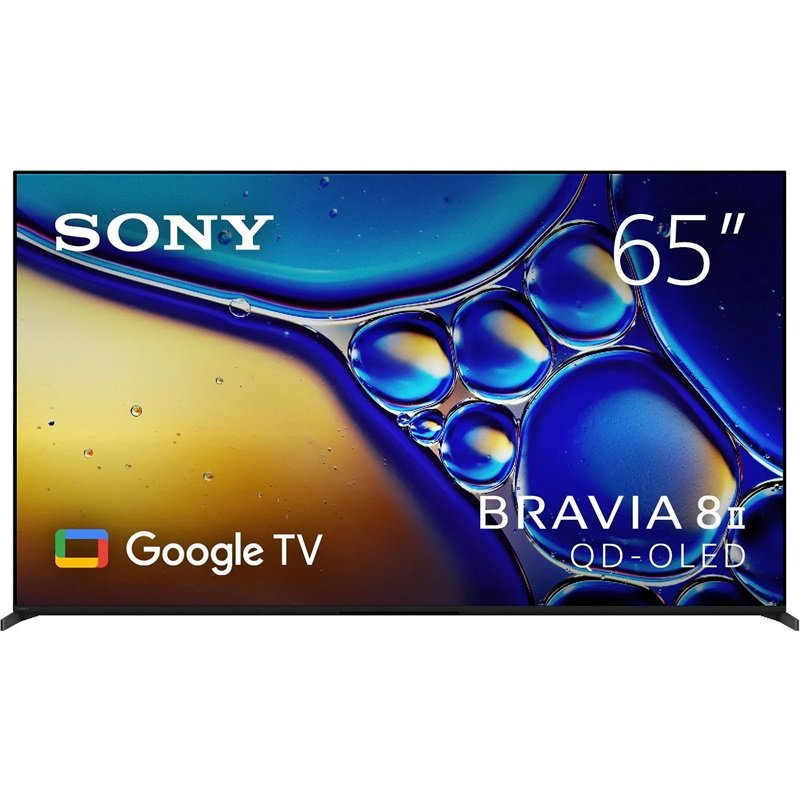
Next, look at the panel type. OLED panels, such as the Sony BRAVIA 8 II QD-OLED, switch individual pixels off for deep blacks, which suits a dim or dark room. Mini LED TVs, such as the BRAVIA 5, BRAVIA 7 and Hisense U8NAU, use a backlight made of many small LEDs and tend to suit brighter rooms. The BRAVIA 3 is a 4K LCD TV with a Direct LED backlight.
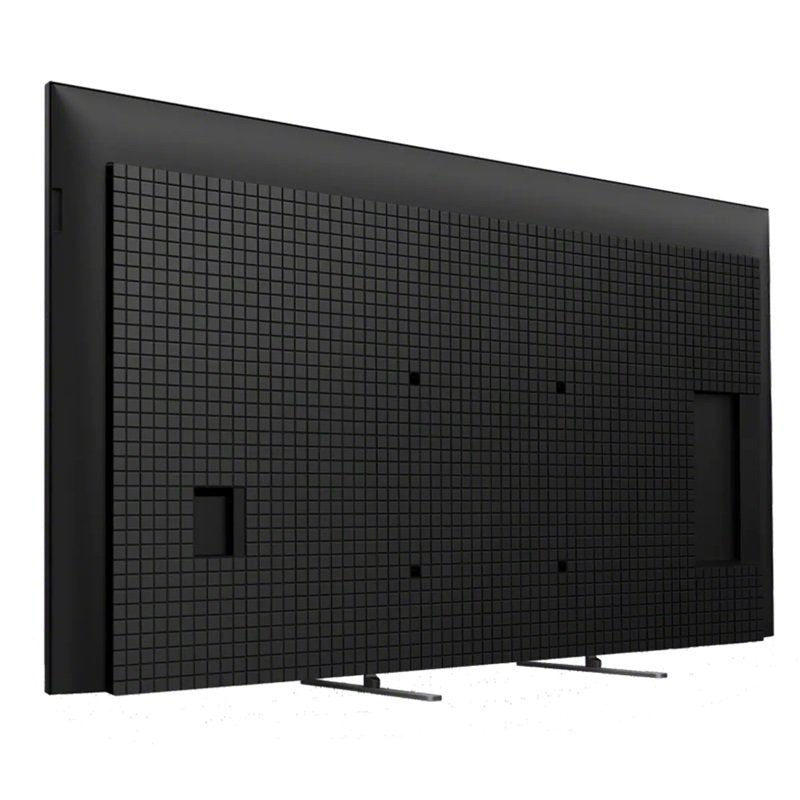
Then check the connections. Sony lists four HDMI inputs on the BRAVIA 3 II, BRAVIA 7 II and BRAVIA 5, with 4K at 120Hz support for new game consoles. Hisense lists a 144Hz panel with VRR on the U8NAU. If you want better sound, look for an eARC HDMI port to connect a soundbar or AV receiver. The BRAVIA 8 II also uses its screen as a speaker with Acoustic Surface Audio+.
Finally, pick the platform: Google TV on the Sony models, VIDAA on the Hisense and webOS on the LG. Our team can help.
An OLED TV lights each pixel on its own, so black areas can switch fully off. That suits movies in a dim room. A Mini LED TV lights the picture with a backlight of many small LEDs, which generally gets brighter and suits a bright living room. Both look sharp at 4K. Seeing them side by side in a showroom helps you decide.
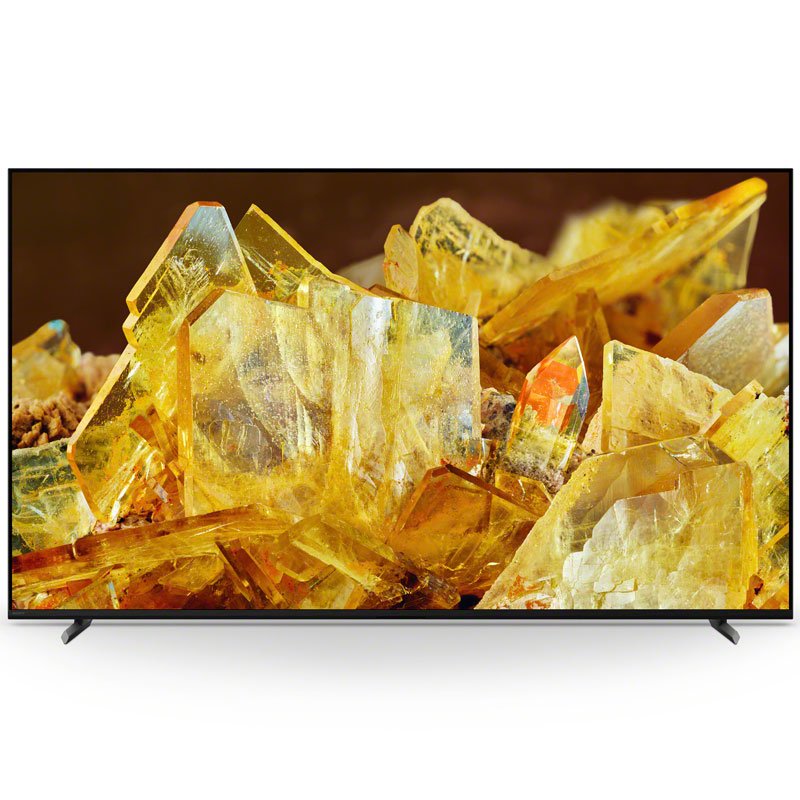
TV speakers are thin, so many people add a soundbar or an AV receiver with speakers. Look for an eARC HDMI port on the TV, which sends sound from the TV to your audio system with one cable. Sony lists eARC on the BRAVIA 7 II and X90L, and Dolby Atmos support across the BRAVIA range. Choose a TV that fits your audio plans.
Choose by room size and seating distance. A bigger screen suits a longer viewing distance and a larger wall, while a smaller one suits a bedroom or desk. Measure your space first. This collection runs from 43 inch to 100 inch.
An OLED TV lights each pixel itself, so black areas can switch fully off. A Mini LED TV uses a backlight made of many small LEDs and generally gets brighter. OLED suits darker rooms and Mini LED suits brighter rooms.
Mini LED is a backlight made of many small LEDs, grouped into dimming zones that brighten or dim parts of the picture. Sony uses it in the BRAVIA 5 and BRAVIA 7, Hisense uses it in the U8NAU and LG uses it in the QNED91.
Sony lists four HDMI inputs with 4K 120Hz, VRR and ALLM on the BRAVIA 3 II. Hisense lists a 144Hz panel with VRR on the U8NAU, and LG lists a native 120Hz panel with VRR on the QNED91. Check which HDMI ports support these.
Sony lists Dolby Vision and Dolby Atmos on the BRAVIA 3 II, BRAVIA 5, BRAVIA 7 II and BRAVIA 8 II. Hisense lists Dolby Vision and HDR10+ on the U8NAU. Check the specifications of the model you want.
The Sony BRAVIA TVs use Google TV. The Hisense U8NAU uses VIDAA U7, and the LG QNED91 uses webOS 24. Each gives you apps for streaming services. You connect the TV to your home network by Wi-Fi or an Ethernet cable.
Yes. Use an HDMI port marked eARC or ARC on the TV. Sony lists eARC on models such as the BRAVIA 7 II, BRAVIA 3 and X90L. A single HDMI cable then sends TV sound to your soundbar or receiver.
Smart apps such as streaming services need an internet connection, through Wi-Fi or an Ethernet cable. You can still watch antenna TV and connected devices such as a Blu-ray player without it. Use the TV's setup to join your network.
Most TVs can be wall mounted, but you need a bracket that suits the screen size, weight and mounting holes. Check these in the TV's specifications. Stands and cabinets are another option. Our team can advise on mounting and placement.
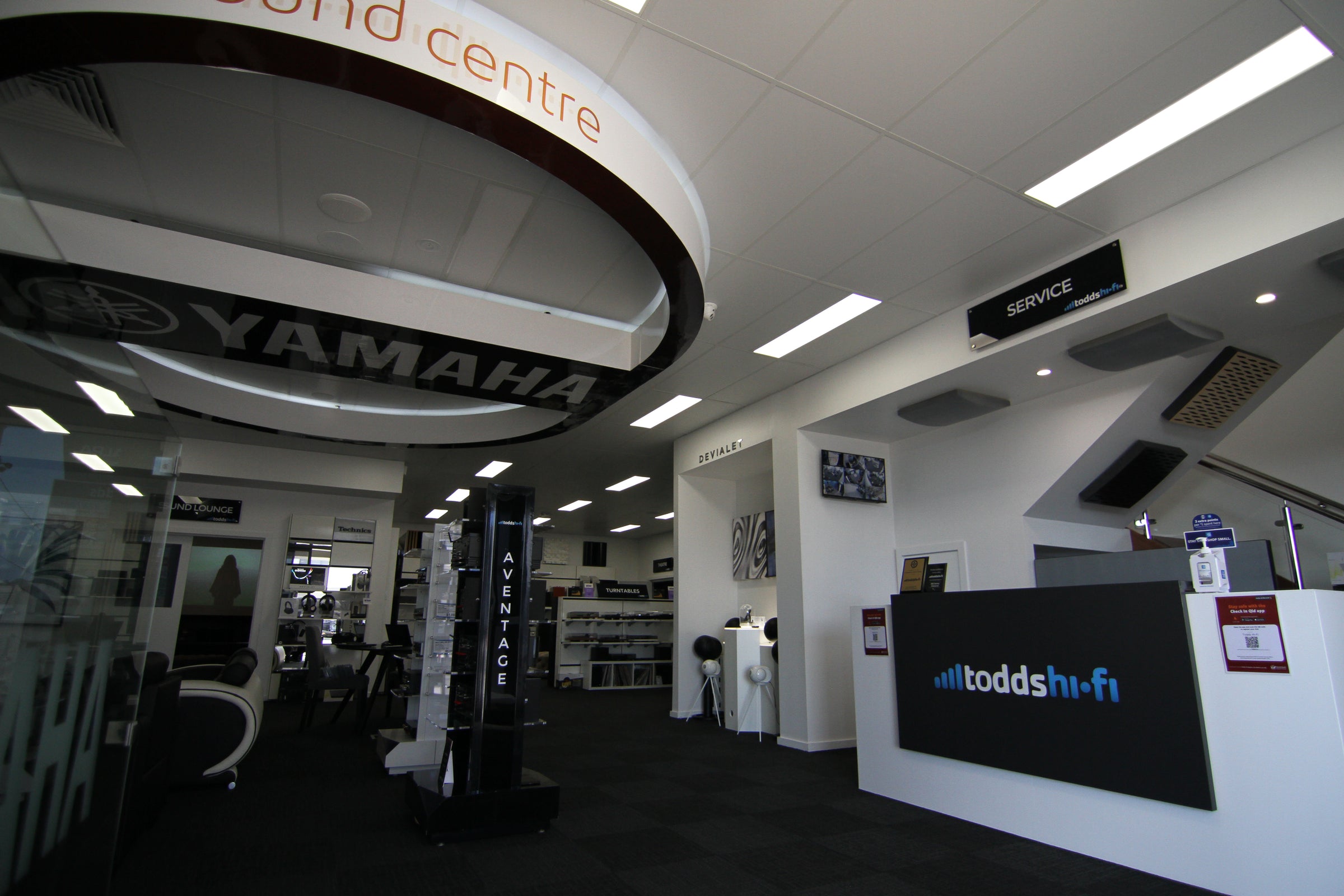
Yes. Our team can help with advice or a demonstration at our Brisbane showroom, or answer questions online. Tell us your room size, how far you sit, the light in the room and what you watch, and we can suggest models to see.
Visit our Brisbane showroom or book a session. Our team can help with advice or a demonstration.
Design &
If you're interested in taking your home entertainment experience to a gold-class standard, you're probably not going to get a gold-class outcome without some design and installation help.
Our AV Design and Installation teams have a wealth of experience which results in the ideal balance of clean finish and simple operability.
So come say hi.