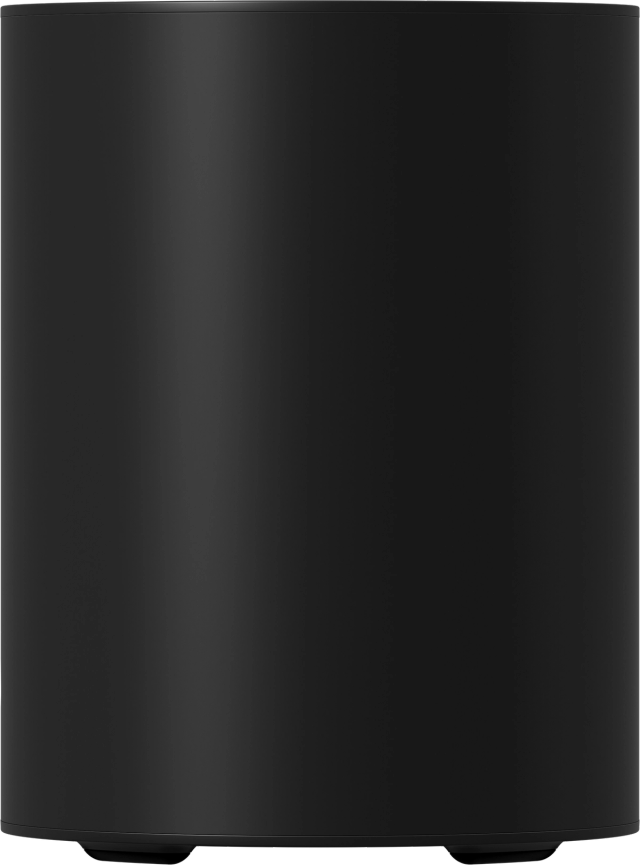
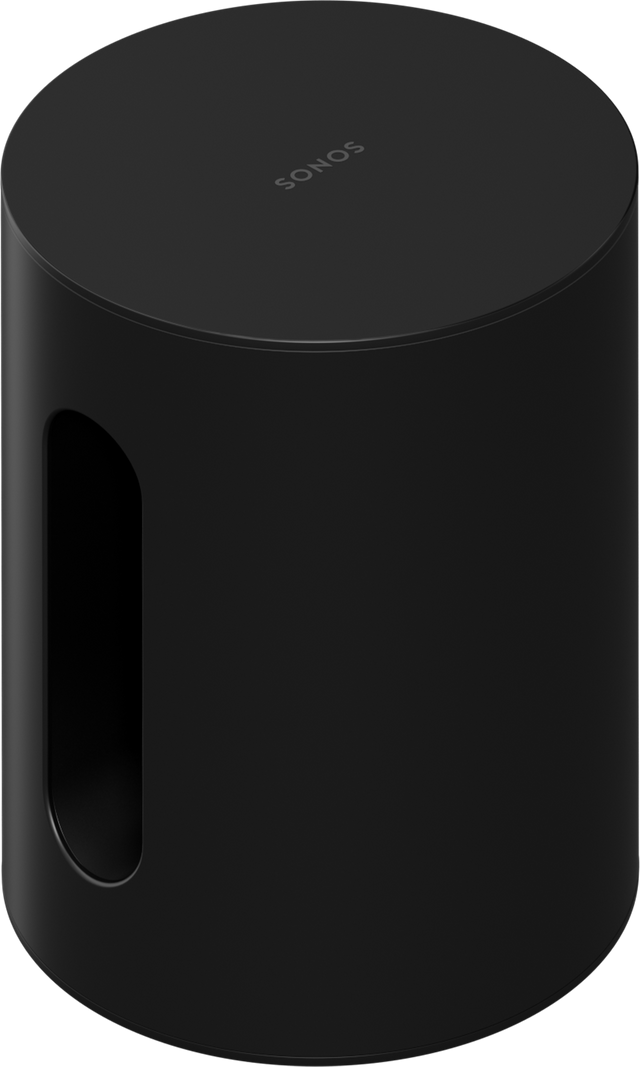
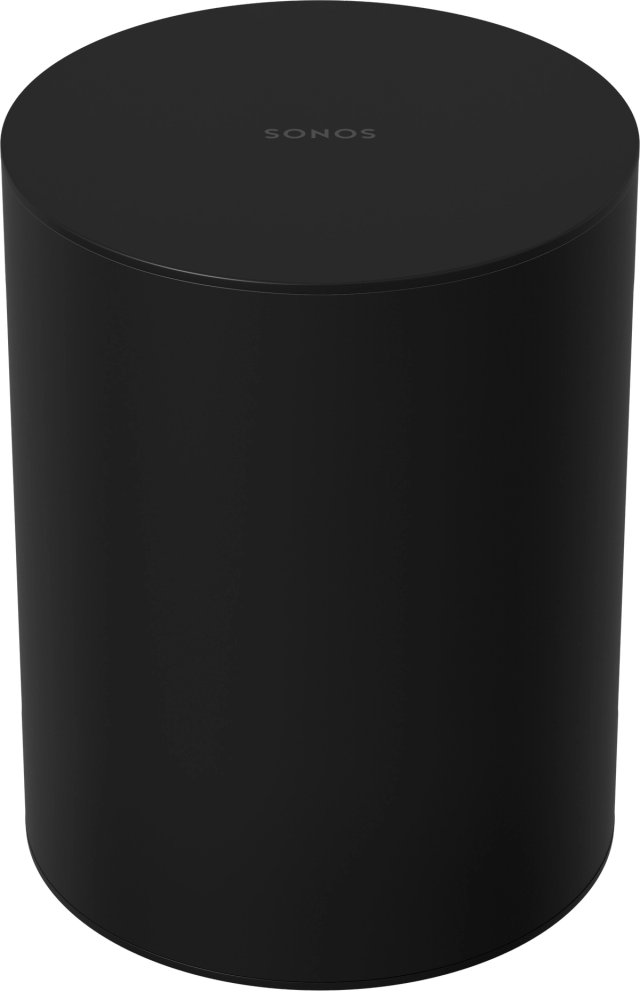

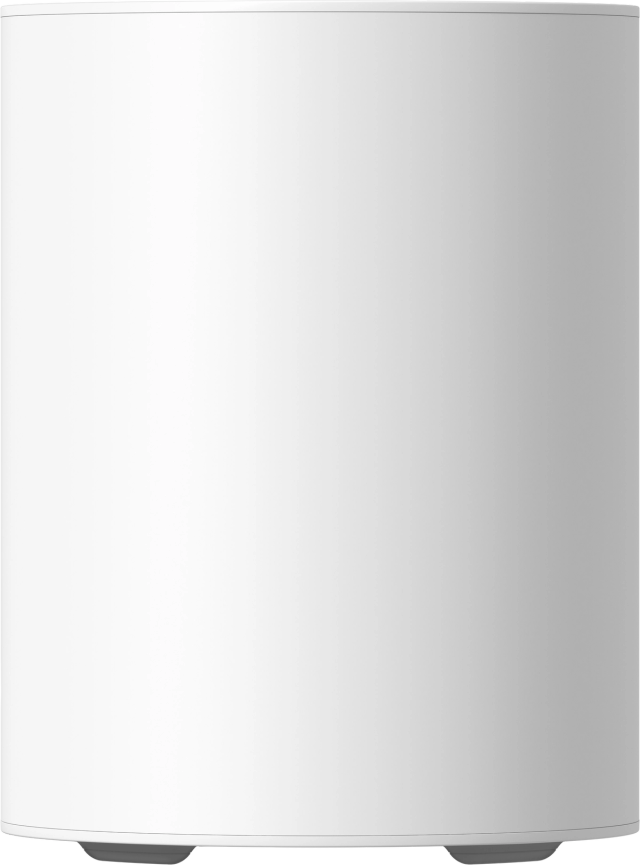
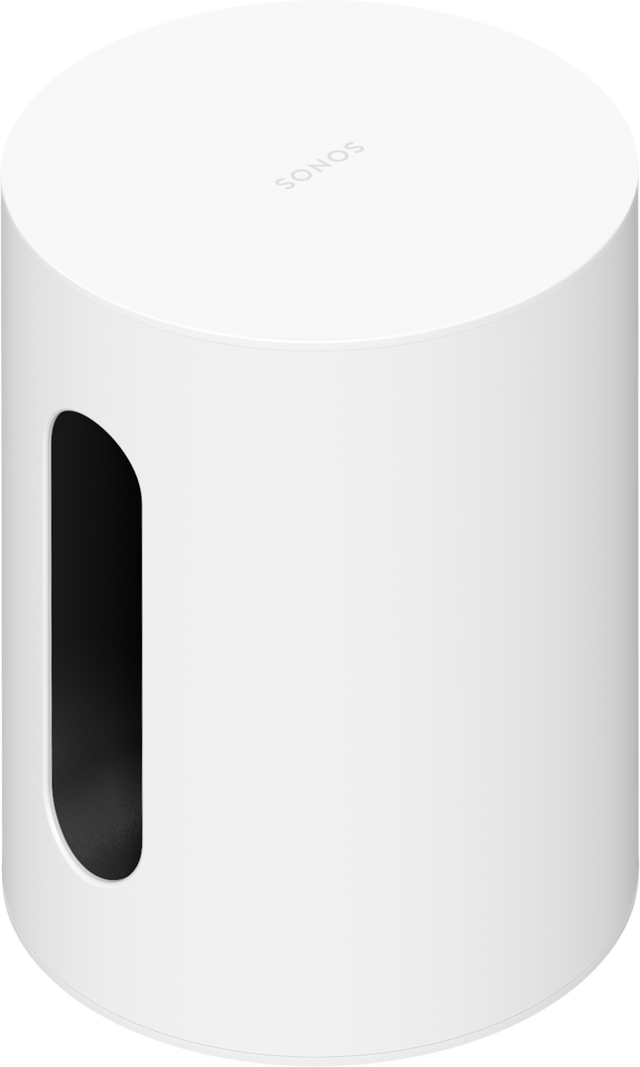
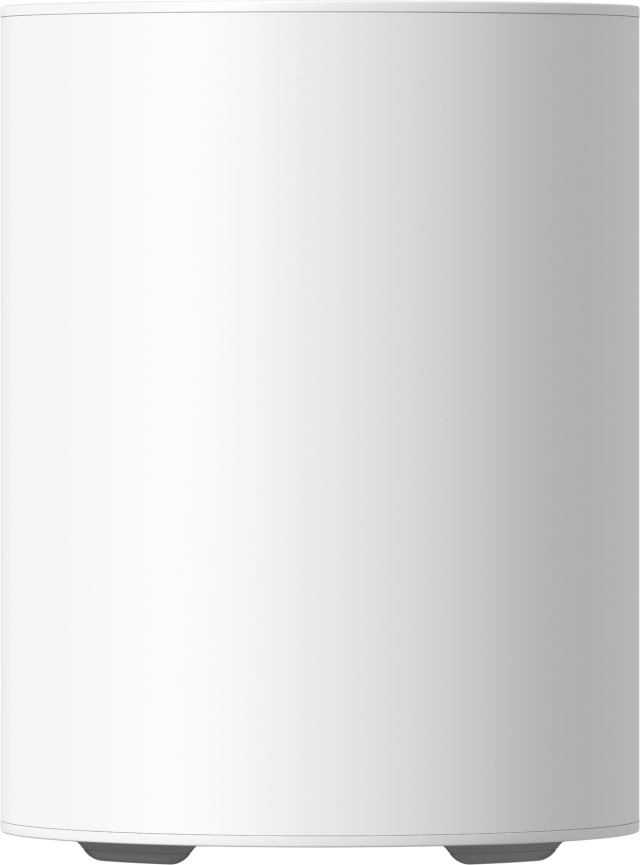
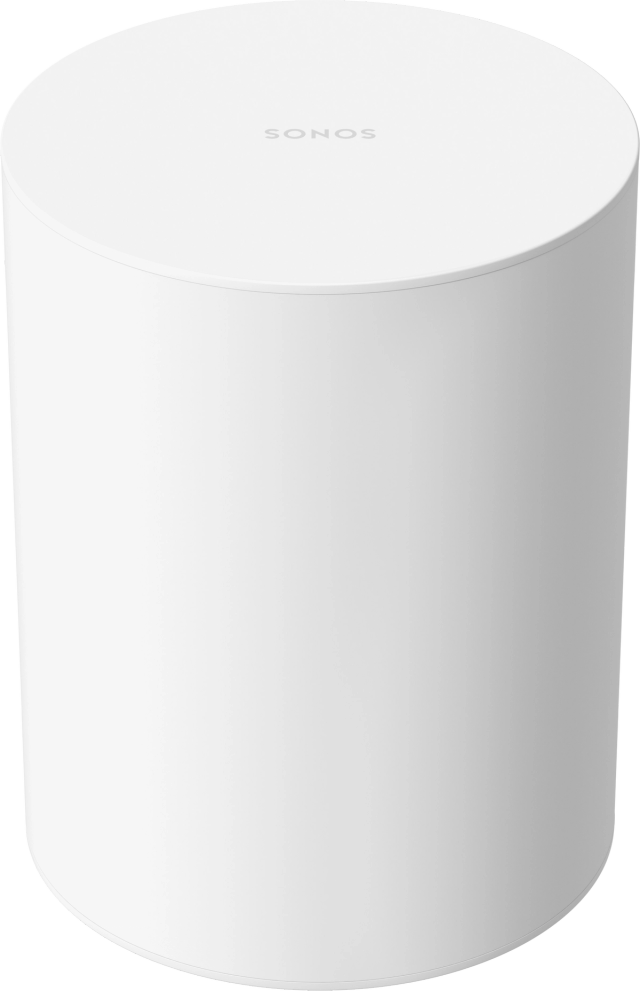
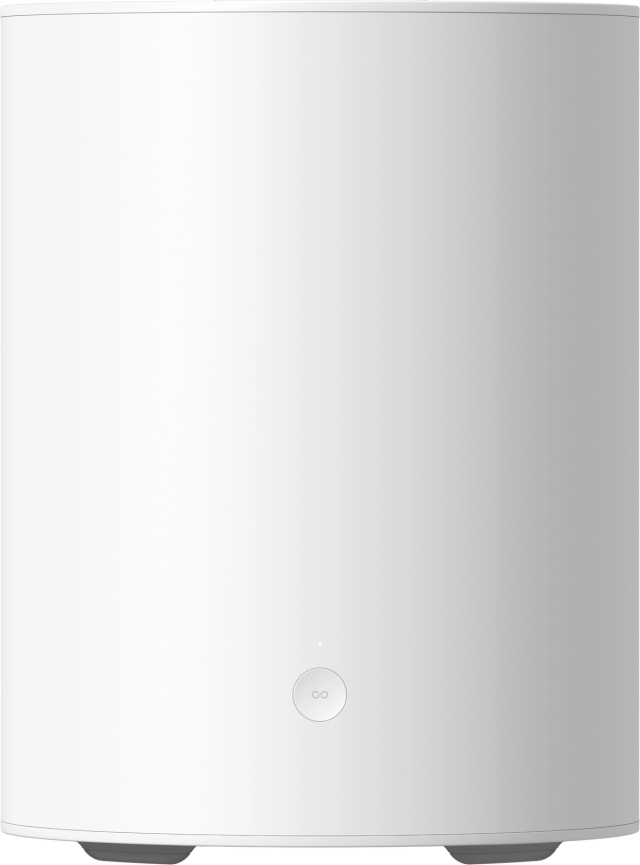

A compact wireless subwoofer for Sonos systems. Sub Mini has two inward-facing 6 inch woofers in a sealed cylindrical cabinet, connects over Wi-Fi and is tuned with Trueplay.
Sonos says Sub Mini delivers rich, clear and balanced low end for TV, films and music. It comes in black or white with a matte finish.
Get to know Sub Mini
Why you will love it
Two woofers, one sealed cylinder
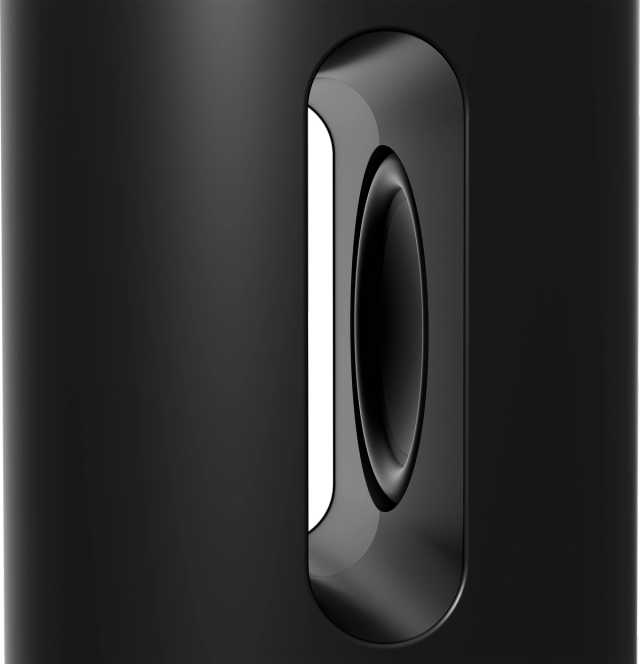
Two Class-D digital amplifiers drive dual 6 inch woofers in a sealed cabinet. Sonos says advanced processing further enhances the bass response.
Both woofers face inwards. Sonos says this creates a force-cancelling effect that neutralises distortion, so there is no buzz or rattle.


For home theatre and music
Sonos says you can pair Sub Mini with Beam or Ray for home theatre. It says the 5 GHz Wi-Fi connection speeds up audio transmission so the sound stays reliably synced with your TV.
For music, Sonos says you can pair Sub Mini with Era 100, One or One SL.
Small enough for a desk or a corner
Sonos says the cylindrical design blends in beside furniture and fits under a desk or table. Sub Mini connects to your system over Wi-Fi, so you can place it where it fits in the room.
Trueplay tuning adapts the bass to your room, Sonos says, even if Sub Mini is placed next to a wall. Trueplay needs a supported iOS device.


Plug in, add and play
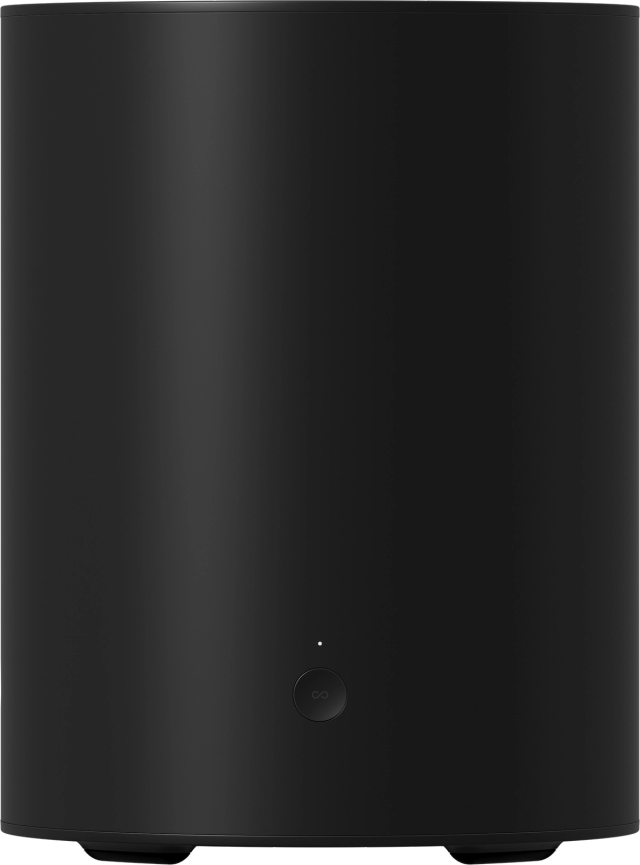
Plug in the power cable, open the Sonos app and follow the instructions to add Sub Mini to your system. A Join button on the unit adds it during setup.
The volume adjusts along with your paired soundbar or speaker. Use the Sonos app to adjust the EQ and the bass level.
Is it right for you?
A great fit if you…
- Have a Sonos soundbar or speaker and want more bass
- Want a subwoofer that fits under a desk or beside a sofa
- Want a wireless subwoofer with one power cable
- Want to adjust the bass level in the Sonos app
Worth knowing
- Sub Mini needs at least one amplified, non-portable Sonos product, such as Era 100 or Ray, as Sonos lists
- Sonos lists pairing with Beam, Ray, Era 100, One and One SL
- The Sonos app on a compatible device and a Wi-Fi connection are needed
- Trueplay tuning needs a supported iOS device
- Sub Mini needs a nearby power outlet
Build your system
Sub Mini adds bass to a Sonos system. These Sonos products are on our site.
- Soundbar: Sonos Beam (Gen 2) or Sonos Ray for home theatre
- Music speaker: Sonos Era 100 for music
- Larger soundbar: Sonos Arc for a larger room
- Headphones: Sonos Ace headphones for private TV listening. See the Sonos range
Specifications
Audio
| Amplifiers | 2 x Class-D digital |
|---|---|
| Woofers | Dual 6 inch, facing inwards (force-cancelling) |
| Architecture | Sealed cabinet |
| Frequency response | As low as 25 Hz |
| EQ | Balances with the paired Sonos product. Bass, treble and loudness in the Sonos app |
| Trueplay | Supported iOS device required |
Connectivity and control
| Wi-Fi | 802.11a/b/g/n, 2.4 or 5 GHz broadcast-capable router |
|---|---|
| Ethernet | 10/100 port |
| Join button | Press once to add Sub Mini during setup |
| Voltage | Internal power supply, 100-240 V, 50/60 Hz |
| Operating temperature | 0 to 40 degrees C |
Design
| Height | 305 mm |
|---|---|
| Width | 230 mm |
| Depth | 230 mm |
| Weight | 6.35 kg |
| Colours | Black, White |
| Finish | Matte |
Specifications from the Sonos Australia Sub Mini page, checked November 2026.
What is in the box
- Sonos Sub Mini
- Power cable, 2 m
- Set-up guide and documentation
Questions people ask
What do I need to use Sub Mini?
At least one amplified, non-portable Sonos product, such as Era 100 or Ray, plus the Sonos app, Wi-Fi and a power outlet.
Which Sonos products can I pair it with?
Sonos lists Beam, Ray, Era 100, One and One SL.
How does it connect?
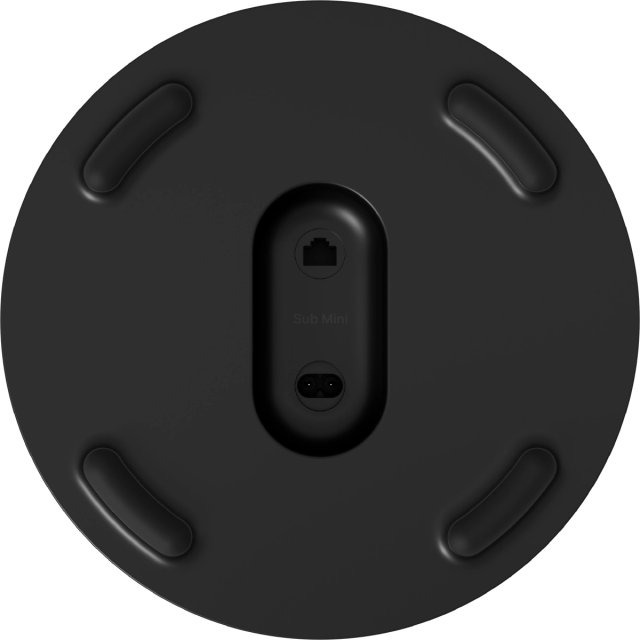
Over Wi-Fi. There is also a 10/100 Ethernet port for hardwiring to your router.
How low does it go?
Sonos lists a frequency response as low as 25 Hz.
Can I tune it to my room?
Yes, with Trueplay. A supported iOS device is required.
What colours are available?
Black and white.