
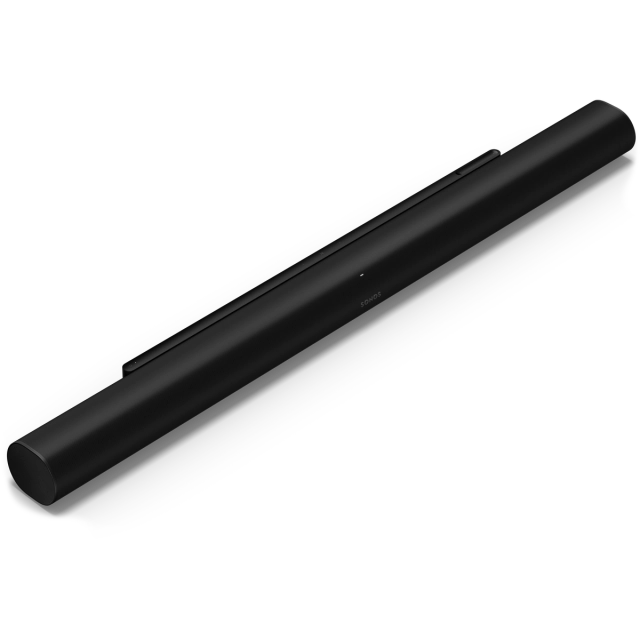

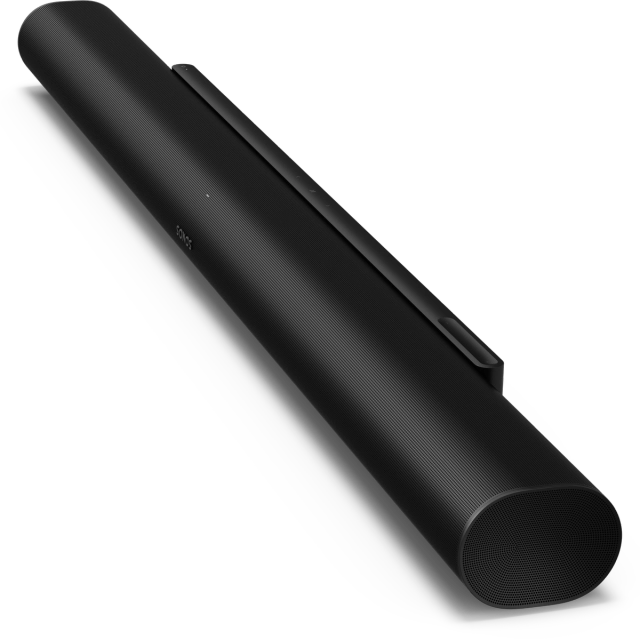
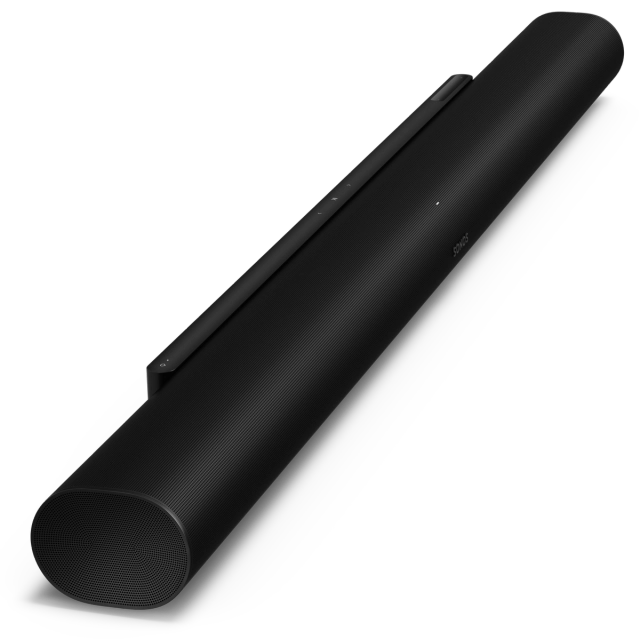
A Dolby Atmos soundbar from Sonos with Sound Motion bass technology, nine tweeters including two height channels, six mid-woofers and fifteen amplifiers. It connects to a TV over HDMI eARC and works with the Sonos app, AirPlay 2, Sonos Voice Control and Amazon Alexa.
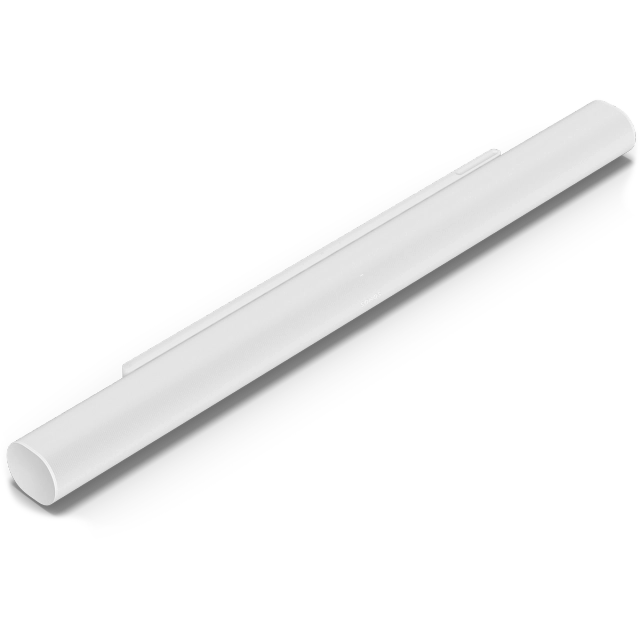
Sonos describes Arc Ultra as the sleekest and most powerful soundbar it has made. It supports Dolby Atmos, which Sonos says gives a 9.1.4 spatial audio experience, and it comes with the HDMI cable and power cable. This listing covers the black and white finishes.
Why you will love it
Sound Motion bass and Dolby Atmos
Sonos says its Sound Motion technology gives deeper, more powerful bass in a smaller package, which frees space for extra tweeters and mid-range drivers. The woofer is a four-motor, dual-membrane design.
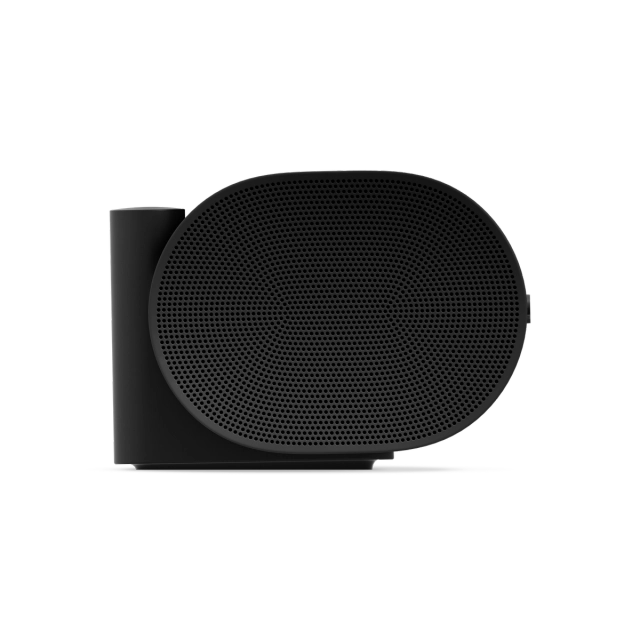
Sonos lists nine silk-dome tweeters, two of which fire upward as dedicated height channels, six mid-woofers and fifteen Class-D amplifiers. Sonos says Dolby Atmos gives a 9.1.4 spatial audio experience.

Clearer dialogue and a tuned room
Speech Enhancement uses AI to detect the human voice and clarify dialogue, with four customisable levels in the Sonos app. Night Sound reduces the intensity of loud sounds and raises quieter ones.
Trueplay tuning measures your room's acoustics and fine-tunes the EQ. It works with iOS and Android devices. The app also adjusts bass, treble and loudness.
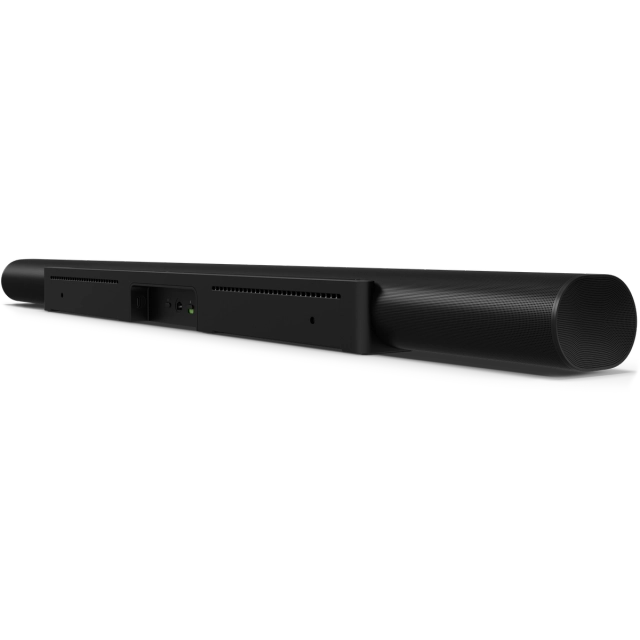
One HDMI cable to your TV
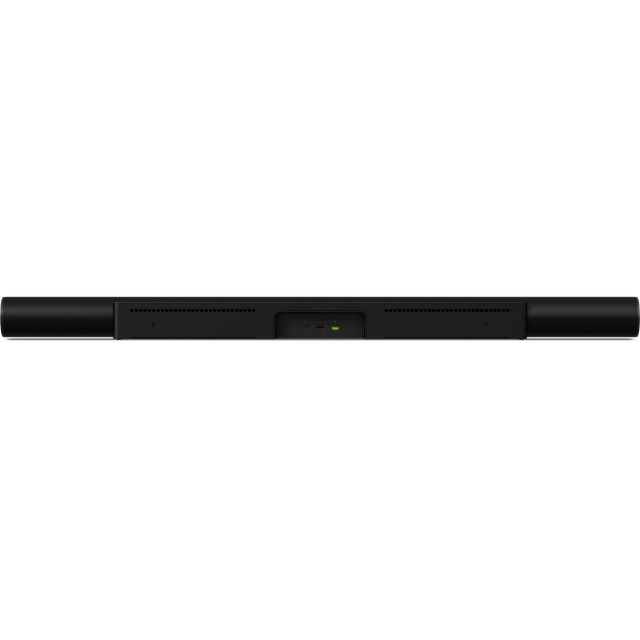
Connect the included HDMI cable to your TV's HDMI eARC or ARC port, and use your existing TV remote for control. An optical audio adapter is sold separately.
Sonos lists Dolby Atmos, Dolby Atmos via Dolby Digital Plus and via Dolby TrueHD, Dolby Digital, Dolby Digital Plus, Dolby TrueHD, stereo and multichannel PCM, and DTS Digital Surround. Several formats need an HDMI eARC connection. Dolby Atmos needs compatible content and a compatible TV.

Music, voice and the Sonos system
With the TV off, Arc Ultra streams music over Wi-Fi 6 and Bluetooth 5.3 and works with Apple AirPlay 2. Capacitive touch controls on top handle play, pause, skip, replay and volume. A switch on the back turns the microphones off.
Sonos says Arc Ultra works with Sonos Voice Control and Amazon Alexa, though availability varies by country and language. Add Sonos speakers in other rooms to play music around the home.
TV audio swap to Sonos Ace headphones
Sonos says you can swap TV audio from Arc Ultra to Sonos Ace headphones for private listening, and that TrueCinema technology maps your space for the headphones. This needs the Sonos app and compatible software, and Sonos Ace headphones are sold separately.

Is it right for you?
A great fit if you…
- Want Dolby Atmos from a single soundbar
- Have a TV with an HDMI eARC or ARC input
- Already use, or plan to use, a Sonos system around the home
- Want clearer dialogue with Speech Enhancement
Worth knowing
- Dolby Atmos needs compatible content and a compatible TV
- Several audio formats need an HDMI eARC connection
- It is not compatible with CCFL-backlit TVs (made 2004 to 2012)
- Sonos Ace headphones, a subwoofer, rear speakers and a wall mount are sold separately
Build your system
Sonos says you can pair Arc Ultra with a Sonos Sub and Era 300 rear speakers for Dolby Atmos surround sound.
- Bass: Add a Sonos Sub (Gen 4) or the smaller Sonos Sub Mini
- Rear speakers: A pair of Sonos Era 300 speakers can act as the rear channels
- More options: See the Sonos range, or compare the Sonos Beam (Gen 2) and other soundbars
Specifications
Audio
| Amplifiers | 15 Class-D digital amplifiers |
|---|---|
| Tweeters | 9 silk-dome tweeters, 2 firing upward as height channels |
| Mid-woofers | 6 |
| Woofer | Sound Motion, four-motor, dual-membrane |
| Home cinema formats | Dolby Atmos, Dolby Atmos via Dolby Digital Plus and Dolby TrueHD, Stereo PCM, Dolby Digital, Dolby Digital Plus, Dolby TrueHD, Multichannel PCM, DTS Digital Surround (several need HDMI eARC) |
| Microphones | Far-field array with beamforming and echo cancellation |
| Software features | Trueplay, Speech Enhancement, Night Sound, adjustable EQ, TV audio swap |
Connections and control
| TV connection | HDMI eARC/ARC, 1.5 m HDMI cable included |
|---|---|
| Optical | Optical audio adapter sold separately |
| Wi-Fi | Wi-Fi 6 compatible, 2.4 GHz / 5 GHz (802.11a/b/g/n/ac/ax) |
| Bluetooth | 5.3 |
| AirPlay | AirPlay 2, iOS 11.4 and higher on Wi-Fi |
| Voice | Sonos Voice Control, Amazon Alexa |
| Controls | Capacitive touch: play, pause, skip, replay, volume, voice assistant off, group/ungroup; Bluetooth button; mic switch |
| CPU | Quad core, 4 x A55 1.9 GHz |
| Power | 100 - 240 V, 50/60 Hz internal power supply |
Physical
| Dimensions (H x W x D) | 75 x 1,178 x 110.6 mm |
|---|---|
| Weight | 5.9 kg |
| Finish | Matte; black or white |
| Mounting | M5 x 0.8 mm thread pitch, L6.5 mm |
Specifications from the Sonos Australia Arc Ultra page, checked November 2026.
What is in the box
- Sonos Arc Ultra
- Power cable (2 m)
- HDMI cable (1.5 m)
- Set-up guide and legal information
Questions people ask
Does Arc Ultra support Dolby Atmos?
Yes. Sonos lists Dolby Atmos and says it needs compatible content and a compatible TV.
How do I connect it to my TV?
With the HDMI cable in the box to your TV's HDMI eARC or ARC port. An optical audio adapter is sold separately.
Does it work with AirPlay 2 and voice assistants?
Yes. Sonos lists AirPlay 2, Sonos Voice Control and Amazon Alexa.
Can I add a subwoofer and rear speakers?
Yes. Sonos says you can pair Arc Ultra with a Sonos Sub and Era 300 rear speakers.
Can I use my TV remote?
Yes. Sonos says Arc Ultra works with your existing TV remote.
Can I wall mount it?
Sonos lists an M5 mounting thread and sells an Arc Ultra Wall Mount as an accessory.