Sonos Boost
Sonos Boost
Sonos Boost
Sonos Boost

Sonos Boost

Regular price$149.00
/
Tax included.

  • Todds approved
  • FREE SHIPPING
  • Low stock - 3 items left
  • Backordered, shipping soon

Enquire or Request Invoice

This product requires a personalised invoice. Fill out the form below and we'll get back to you within 1 business day with pricing and availability.

✓ Expert advice included ✓ Competitive pricing ✓ Professional installation available ✓ 1 business day response

Need immediate assistance? Call us on 07 3907 7777 or visit our showroom.

Due to this product's exclusivity it isn't available to purchase online. Chat to us today to place your order or discuss a potential deal.

FREE SHIPPING for all items across Australia!
(TVs & Furniture, are free but to Brisbane metro only)

Orders are dispatched every Tuesday & Friday.
To avoid disappointment please finalise your order before 10am on these days.

Zip - Zip now Pay Later -Logo

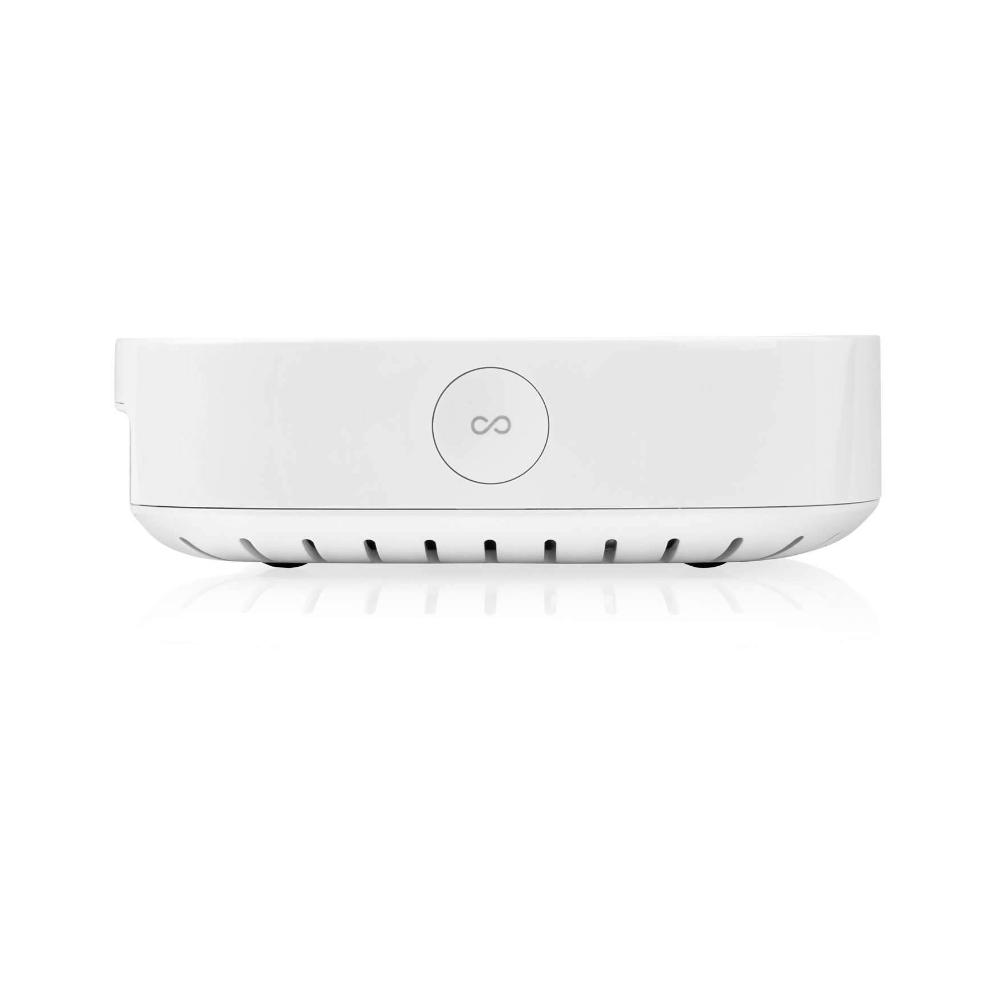
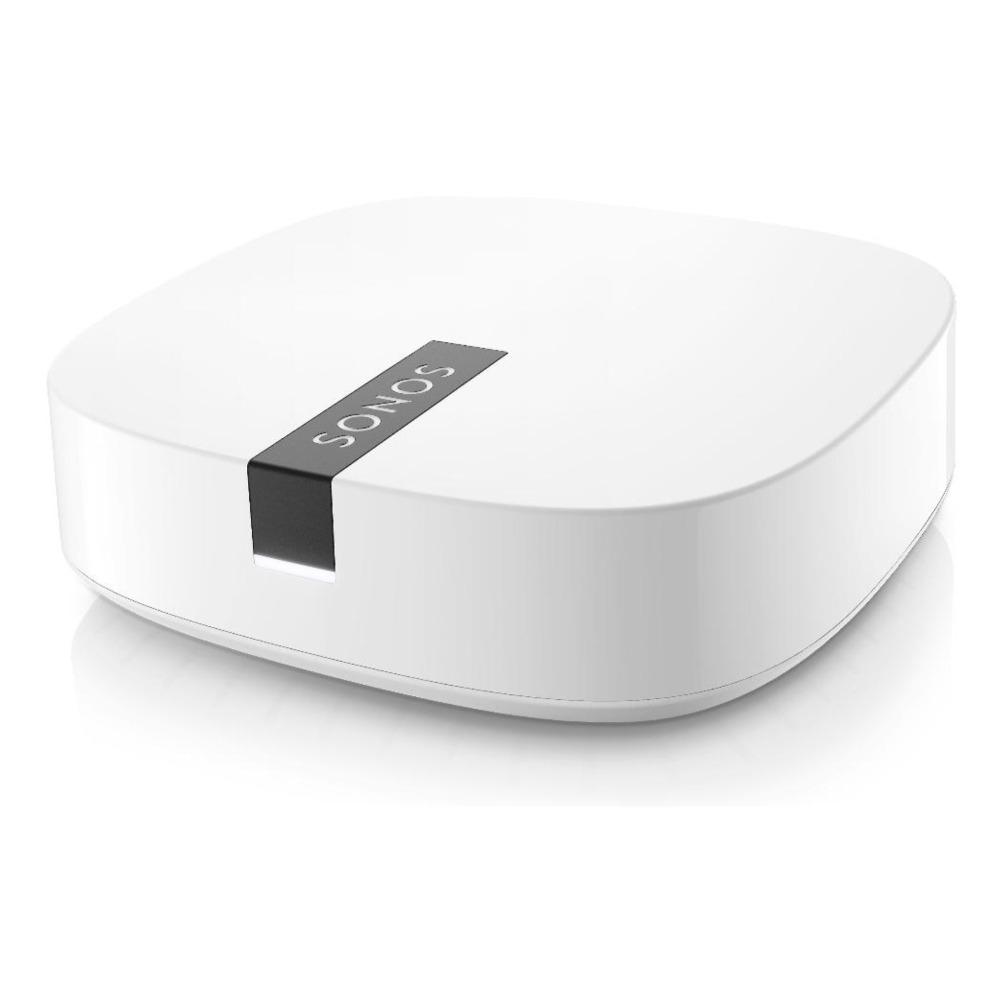
A white Sonos network device with two Ethernet ports. Sonos says it creates a dedicated wireless network for Sonos speakers, separate from your home WiFi.

Sonos Boost works with Sonos S2 and S1, according to Sonos. It is designed for homes where WiFi is slow, does not reach every room, or is 5GHz only.

Ethernet
2-port switch, 10/100 Mbps
Wireless
SonosNet, AES encrypted mesh
Works with
Sonos S2 and S1
Size (H × W × D)
33 × 115 × 115 mm
Weight
191g
Finish
White polycarbonate

Why you will love it

A separate network for Sonos

Sonos says Boost bypasses your WiFi to create a separate wireless network just for Sonos speakers. It works on SonosNet, an AES-encrypted, peer-to-peer wireless mesh network dedicated to Sonos to reduce WiFi interference.

Sonos says Boost broadcasts 360 degree signals through walls and ceilings.

Sonos Boost in white

When Sonos suggests using one

Sonos lists these cases. Your WiFi is slow or in heavy demand. WiFi does not reach all the rooms where you want to use Sonos. Your network is 5GHz only. Your router supports only 802.11n.

To extend range, Sonos says to place Boost between the speaker that is out of reach and the rest of the system.

Two Ethernet ports

The two-port switch lets you connect Boost to your router, or connect other network devices such as a network-attached storage (NAS) device. Sonos says it can also connect to other Sonos speakers.

Boost can also extend the SonosNet signal to areas that cannot reach the rest of the Sonos system.

Top view of Sonos Boost with the Sonos label

Compact and wall-mountable

Boost is 33mm high and 115mm wide and deep. A keyhole slot on the back lets you hang it from a screw (American #6 or metric M3.5 round head).

The power cord is 6 feet (1.8m).

Is it right for you?

A great fit if you…

  • Have slow or patchy WiFi where you use Sonos
  • Want a dedicated wireless network for Sonos speakers
  • Can run an Ethernet cable from your router

Worth knowing

  • Sonos says portable Sonos products cannot connect to the dedicated wireless network Boost creates
  • Boost connects to your router by Ethernet cable

Build your system

Specifications

Network

Ethernet ports 2-port switch, 10/100 Mbps, auto MDI/MDIX
Wireless SonosNet, AES encrypted peer-to-peer wireless mesh
Works with Sonos S2 and Sonos S1

Power and design

Power supply 100–240V ~ 50–60Hz AC universal input, output 5.0V 2.0A 10.0W
Dimensions (H × W × D) 33 × 115 × 115 mm
Weight 191g
Operating temperature 0°C to 40°C
Finish White, polycarbonate

Included

In the box Sonos Boost, power cord, Ethernet cable, quickstart guide

Specifications from Sonos, checked November 2026.

What is in the box

  • Sonos Boost
  • Power cord
  • Ethernet cable
  • Quickstart guide

Questions people ask

What does it do?

Sonos says it creates a separate wireless network just for Sonos speakers, so music does not rely on your home WiFi.

Does it work with S1 and S2?

Yes. Sonos says it works with either Sonos S2 or Sonos S1.

Do portable Sonos speakers connect to it?

Sonos says portable Sonos products cannot connect to the dedicated wireless network Boost creates.

How do I connect it?

Connect it to your router with the supplied Ethernet cable, then add it in the Sonos app.

What our customers are saying...

You can trust us.

We've got decades of experience

Complete solutions.

Zero hassle
A home theatre audio system setup featuring a projector, floor standing speakers and centre speaker complete with a couch and rug in the foreground

Home Theatre.

Gold class at home

Stereo.

For the music lovers

Todds Home.

Smart home and automation

You may also like...