




Bluesound Node Nano Wireless Music Streamer

Bluesound Node Nano Wireless Music Streamer

TODD'S BEATS
$599.00
Found it cheaper at another Australian retailer?
Todd's Beats - we'll beat their price, chat to us for details
Call 07 3907 7777 | Live Chat
View terms
  • Todds approved
  • FREE SHIPPING (orders over $29)
  • In stock, ready to ship
  • Backordered, shipping soon

FREE SHIPPING around Australia for all orders over $29
(TVs & Furniture are to Brisbane metro only)
Rural and remote areas and large bulky items may incur a surcharge, we will be in touch if need be, of course order cancellation would be an option if you prefer.

Orders are dispatched next business day.

 

Zip - Zip now Pay Later -Logo

A compact network streamer from Bluesound that adds BluOS, AirPlay 2, Spotify Connect, TIDAL Connect, Qobuz Connect and Roon Ready to an existing stereo. It has an ESS ES9039Q2M DAC and RCA, coaxial, optical and USB outputs.

Bluesound describes the Node Nano as the essentials of its wireless hi-res multi-room range. It plays files up to 24-bit/192kHz and DSD256, connects over dual-band Wi-Fi or gigabit Ethernet, and has two programmable touch presets.

DAC
ESS ES9039Q2M
Outputs
RCA, coaxial, optical, USB
Streaming
BluOS, AirPlay 2, Roon Ready
Network
Dual-band Wi-Fi 5, gigabit Ethernet
Bluetooth
5.2, two-way
Size
143 x 36 x 143 mm

Why you will love it

An ESS SABRE DAC in a small case

Bluesound fits an ESS ES9039Q2M DAC to the Node Nano and lists a signal-to-noise ratio of -118 dB and THD+N of 0.0007%. It supports sampling rates up to 192kHz at 16 to 24 bit, plus DSD256.

It plays MP3, AAC, WMA, WMA-L, OGG, ALAC and OPUS files, and the higher-quality formats FLAC, MQA, WAV, AIFF and MPEG-4 SLS.

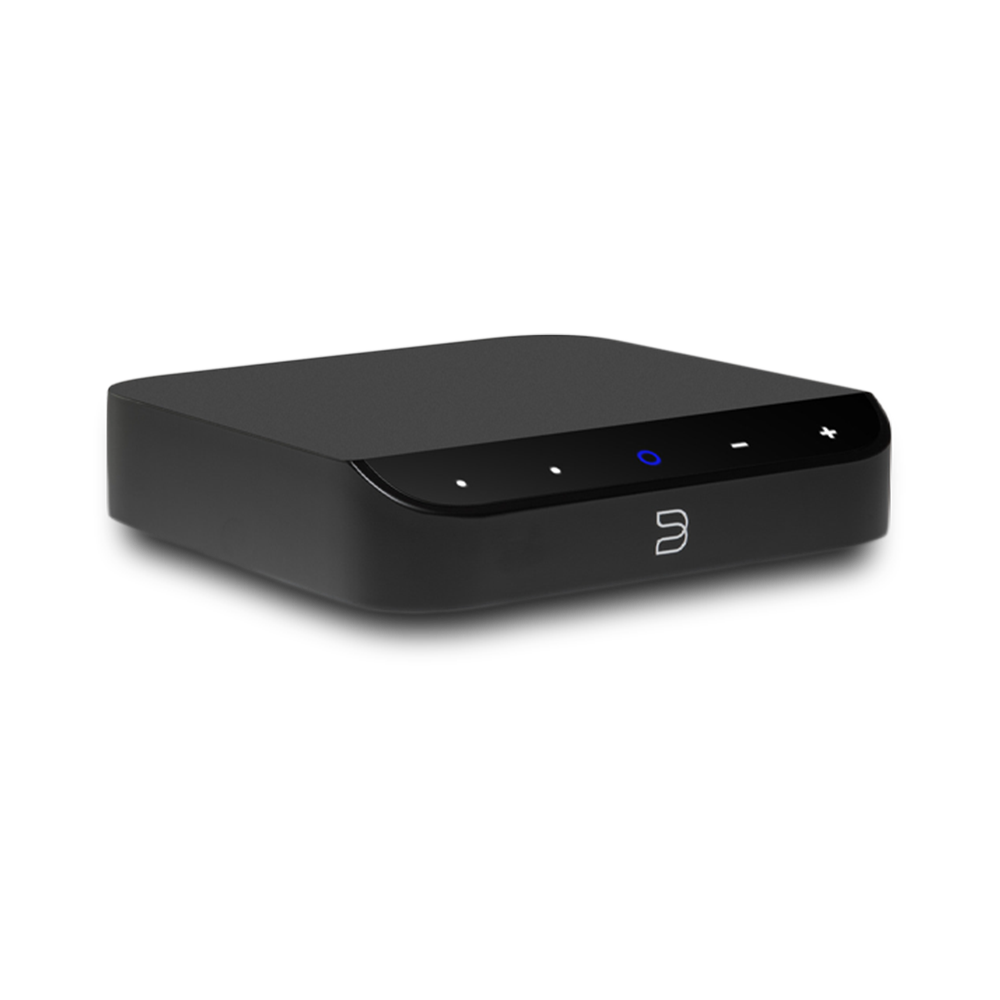
Bluesound Node Nano wireless music streamer, three-quarter view

Streaming services and your own library

The BluOS app brings together 23 or more music services, internet radio and podcasts, and your own files over SMB network shares. Bluesound lists AirPlay 2, Spotify Connect (with support for Spotify Lossless), TIDAL Connect, Qobuz Connect and Roon Ready.

The app runs on iOS, Android, Windows and macOS. Bluesound also lists Amazon Alexa skills and control system integrations including Crestron, Control4, RTI, ELAN, URC, Lutron and Josh.ai.

Connects to any stereo

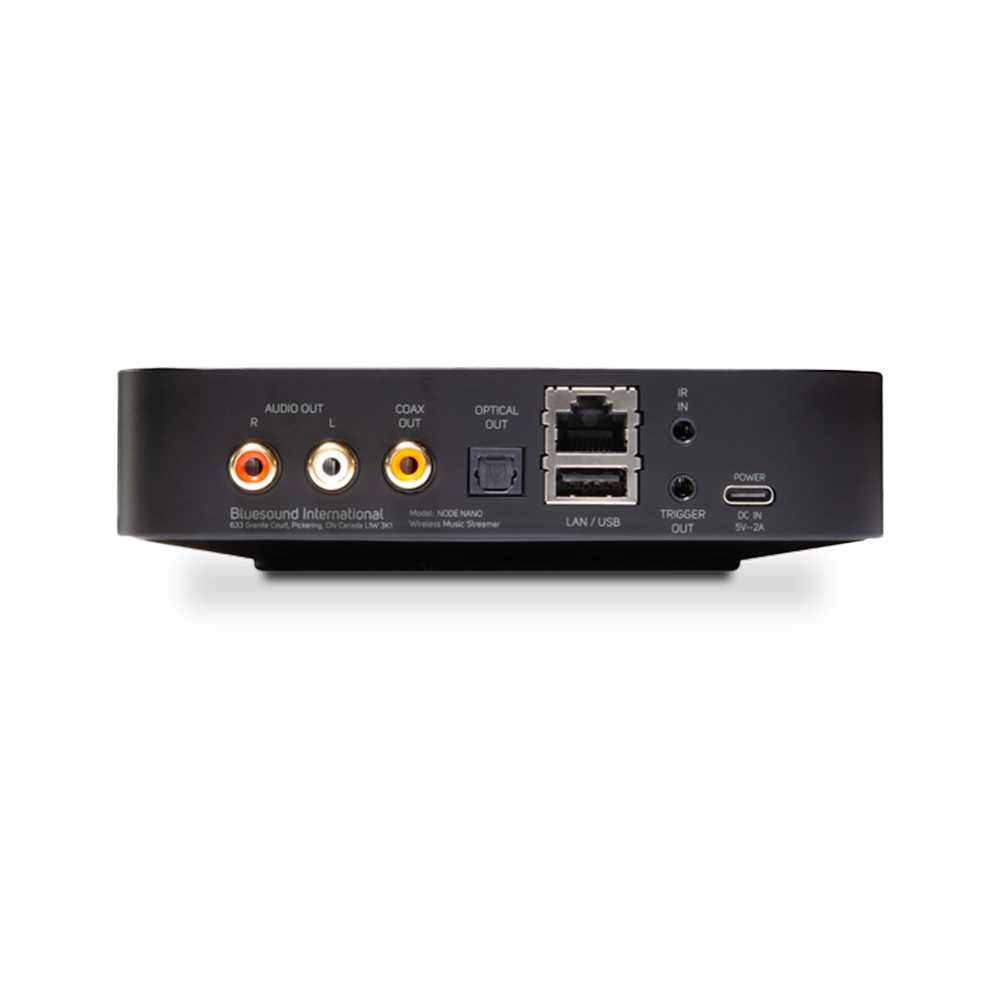
Analogue RCA stereo, coaxial, optical and USB audio outputs let the Node Nano feed an amplifier, receiver, DAC or powered speakers. A fixed-level analogue output option is listed. There is also a 12 V trigger output and an IR input.

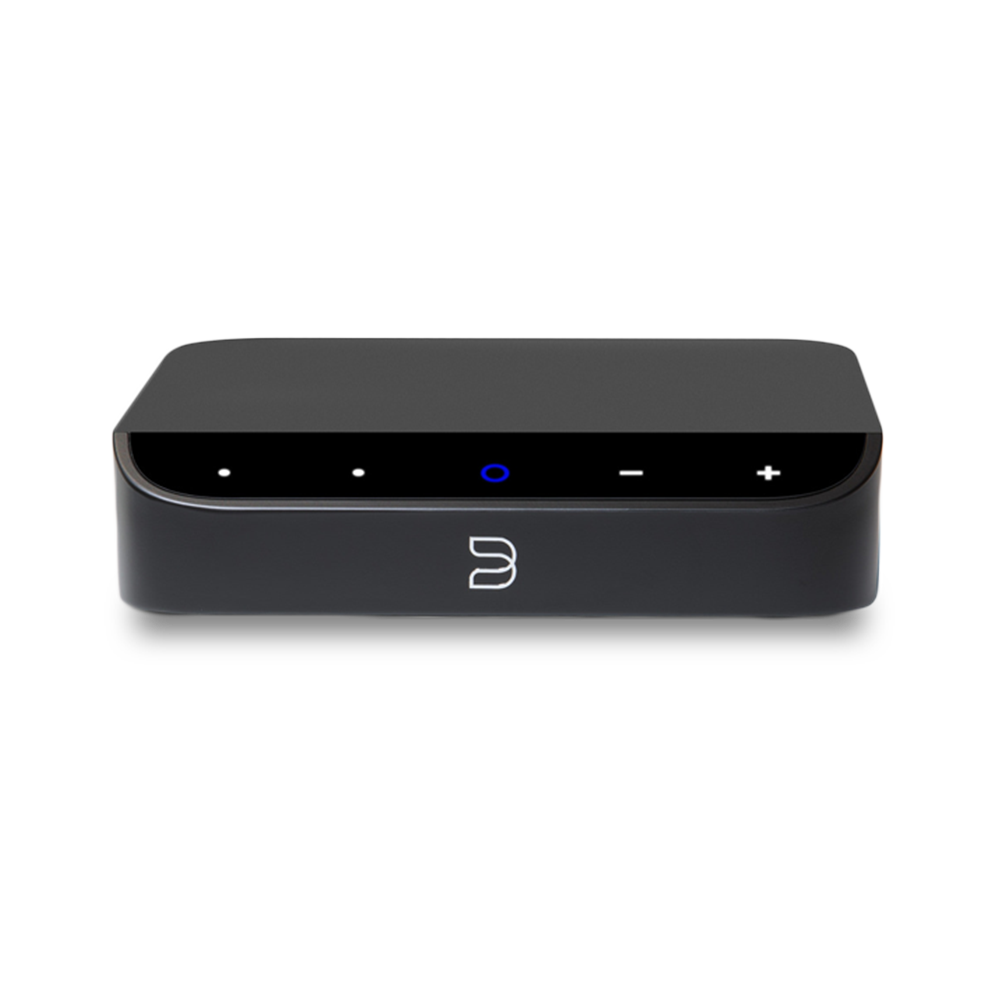
It has a front-panel IR sensor with remote learning, a USB-A port for external storage, and a backlit touch panel with play and pause, volume and two preset buttons.

Rear panel of the Bluesound Node Nano showing its outputs

Multi-room and Bluetooth

Group the Node Nano with other Bluesound players to play in sync in several rooms, all from the BluOS app. Bluesound lists Bluetooth 5.2 with two-way operation, so it can receive audio and send it to Bluetooth headphones or speakers.

A wireless subwoofer output works with the Bluesound Pulse Sub+. The case has a keyhole slot in the base for mounting, and power comes from a USB-C supply.

Is it right for you?

A great fit if you…

  • Have a stereo amplifier or powered speakers and want to add streaming
  • Want AirPlay 2, Spotify Connect, TIDAL Connect, Qobuz Connect or Roon Ready
  • Plan to build a multi-room Bluesound system
  • Want a streamer that is small enough to sit out of sight

Worth knowing

  • It has no HDMI input and no headphone amplifier; the larger Bluesound Node adds both
  • Its outputs are RCA, coaxial, optical and USB, so there are no balanced XLR outputs
  • It has two preset buttons, where the Bluesound Node has five
  • Control is through the BluOS app

Build your system

The Node Nano needs an amplifier or powered speakers to make sound. Bluesound lists wireless subwoofer output to its Pulse Sub+.

Specifications

Audio

DAC ESS ES9039Q2M
Signal-to-noise ratio -118 dB
Distortion THD+N 0.0007%
Native sampling rates Up to 192 kHz
Bit depth 16 - 24
DSD support DSD256
File formats MP3, AAC, WMA, WMA-L, OGG, ALAC, OPUS; high-quality: FLAC, MQA, WAV, AIFF, MPEG-4 SLS

Streaming and control

Operating system BluOS
Music services 23+ music services and internet radio
Third-party integrations AirPlay 2, Spotify Connect, TIDAL Connect, Qobuz Connect, Roon Ready
Network file sharing SMB, up to 200,000 files
Voice control Amazon Alexa skills
Control systems Crestron, Control4, RTI, ELAN, URC, Lutron, Josh.ai
Controller app iOS, Android, Windows, macOS
Processor ARM Cortex-A53 quad-core, 1.8 GHz per core

Connections

Audio output Analogue RCA stereo (fixed option); USB Audio 2.0 (Type A)
Digital outputs Coaxial (RCA), TOSLINK optical
Subwoofer output Wireless to Pulse Sub+
Ethernet RJ45, gigabit
Wi-Fi Wi-Fi 5 (802.11ac), dual-band
Bluetooth 5.2, two-way (transmit and receive)
USB input Type A (FAT32), external storage
IR 3.5 mm IR input; front-panel IR sensor with remote learning
Trigger out 12 V
Power USB-C, 5 V 2 A

Controls and physical

Controls Touch LED volume, play/pause and 2 preset buttons
Dimensions (W x H x D) 143 x 36 x 143 mm
Weight 0.57 kg
Mounting Bottom-panel keyhole slot
Finish Black, matte satin paint

Specifications from Bluesound's Node Nano product page, checked November 2026.

What is in the box

  • Node Nano
  • USB power supply and USB-C power cable
  • 4 x international plug adapters
  • Stereo RCA to RCA cable
  • Ethernet cable
  • Safety guide
  • Quick setup guide

Questions people ask

Does the Node Nano have a DAC?

Yes. Bluesound lists an ESS ES9039Q2M DAC and sampling rates up to 192kHz.

What outputs does it have?

Analogue RCA stereo, coaxial, optical and USB audio outputs.

Does it work with AirPlay 2 and Roon?

Yes. Bluesound lists AirPlay 2 and Roon Ready, plus Spotify Connect, TIDAL Connect and Qobuz Connect.

Does it have a headphone output or HDMI?

No. The Bluesound Node adds HDMI eARC and a headphone output.

Can it play DSD files?

Yes. Bluesound lists DSD256 support.

How do I control it?

With the BluOS app on iOS, Android, Windows or macOS, or the touch panel on the unit.

We're renowned for our advice so chat to us today if you need any...