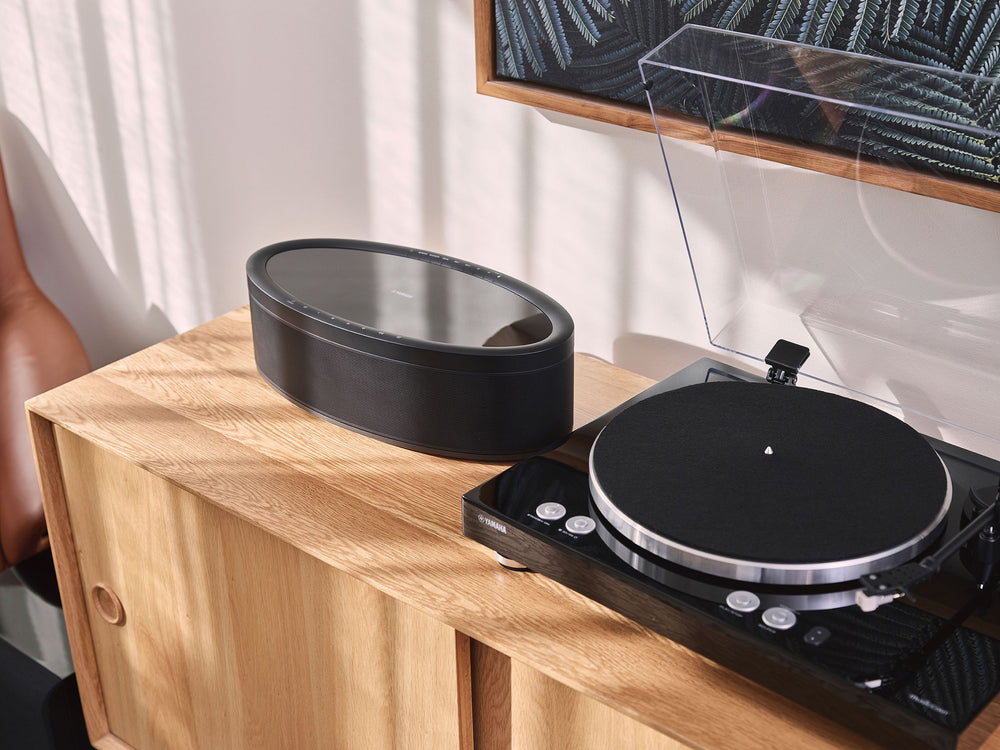
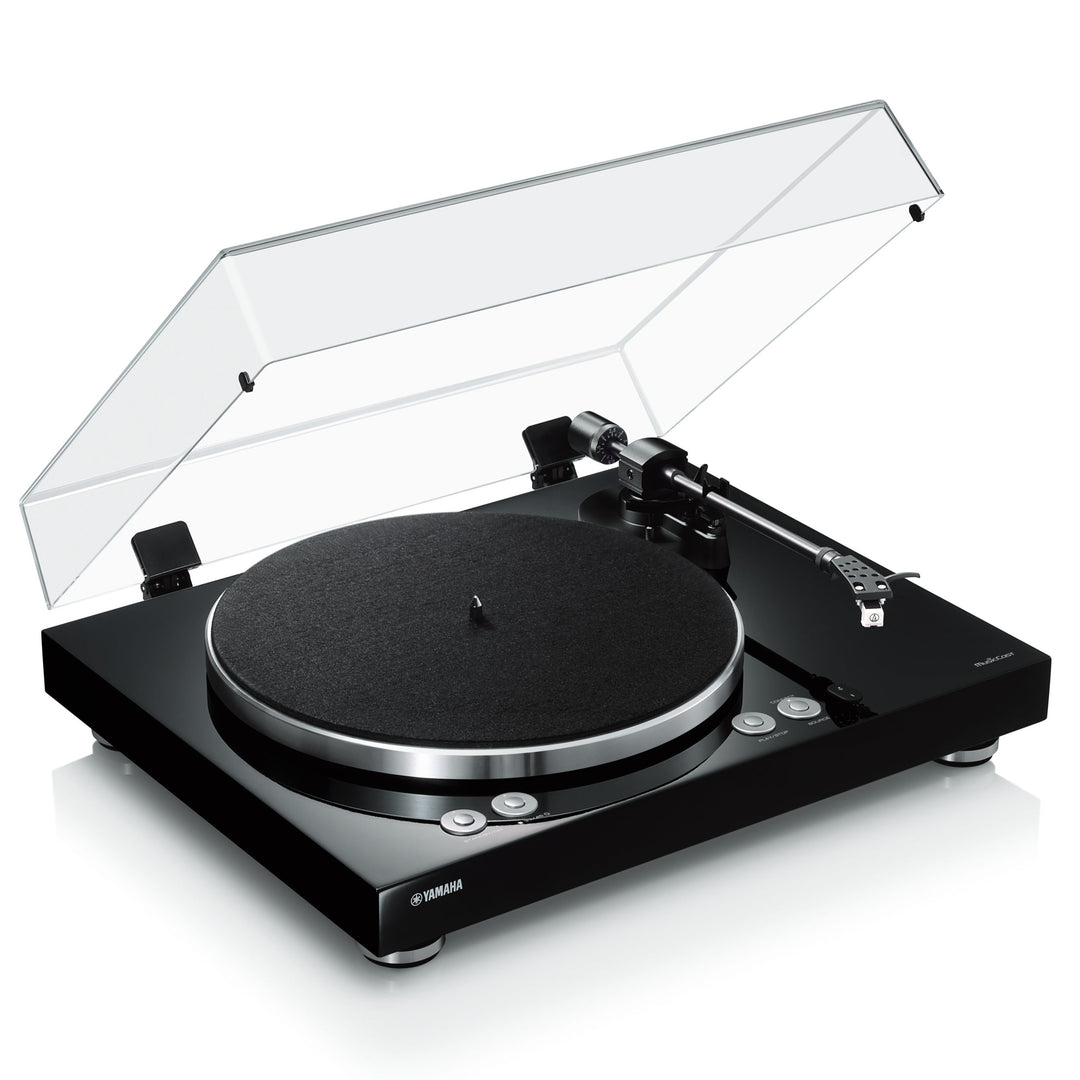
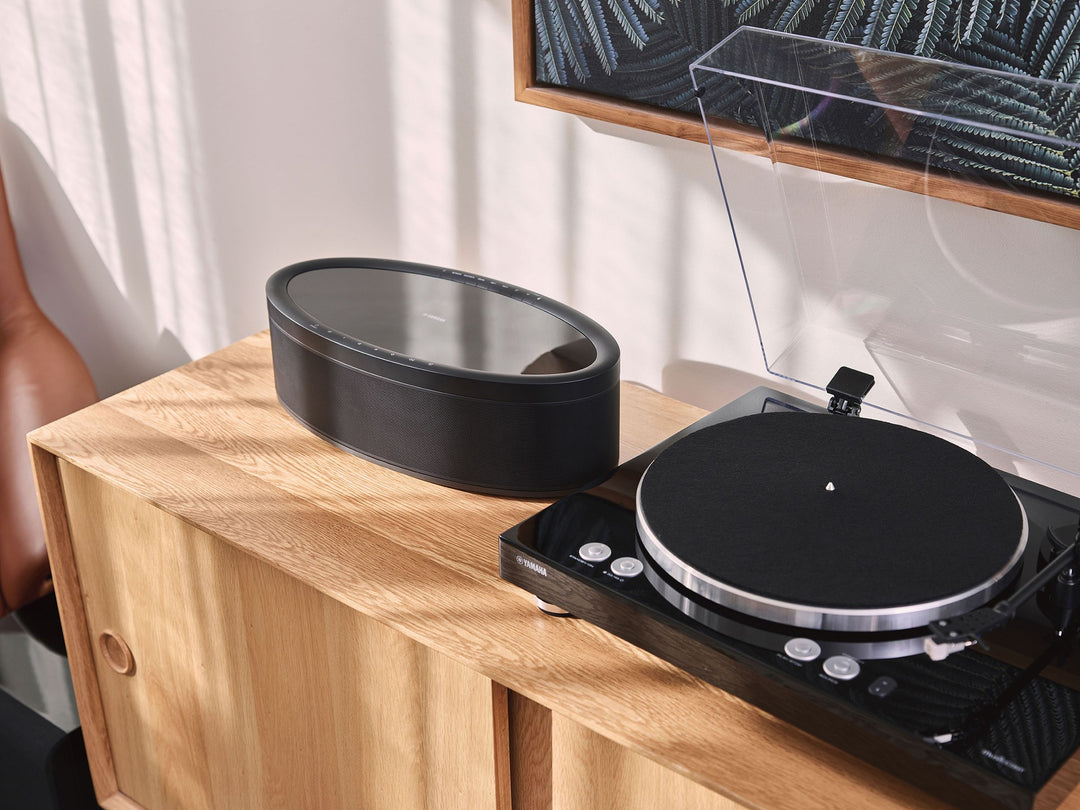
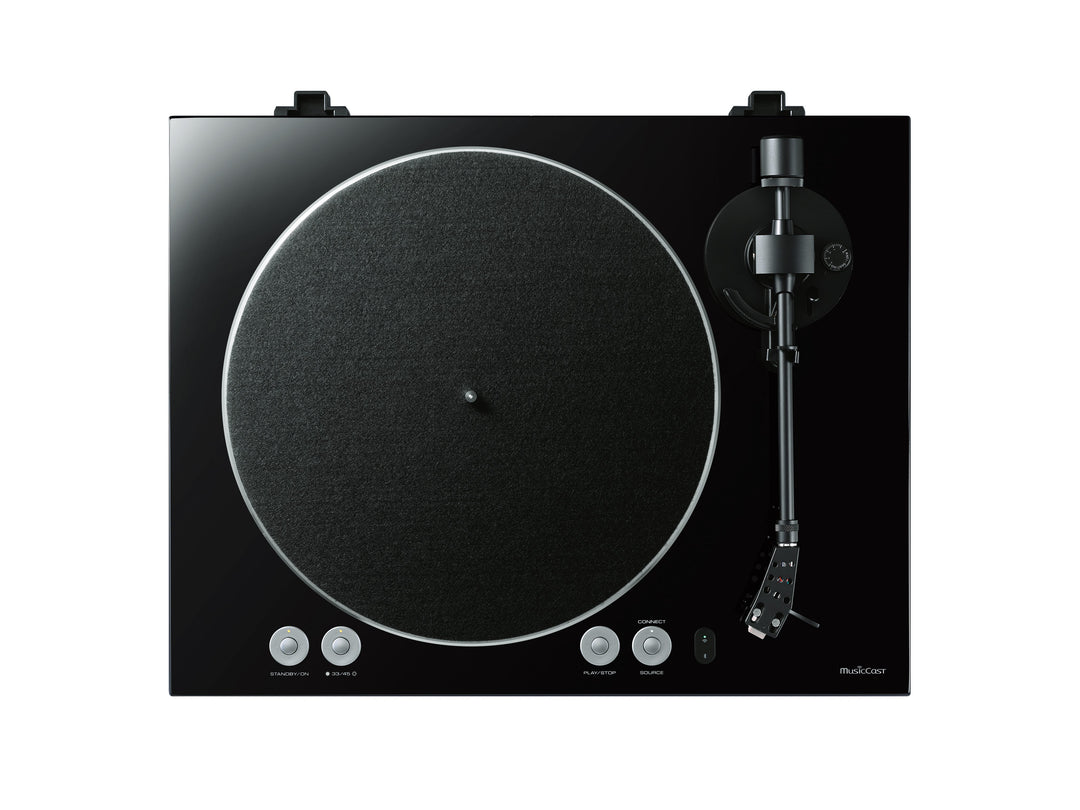
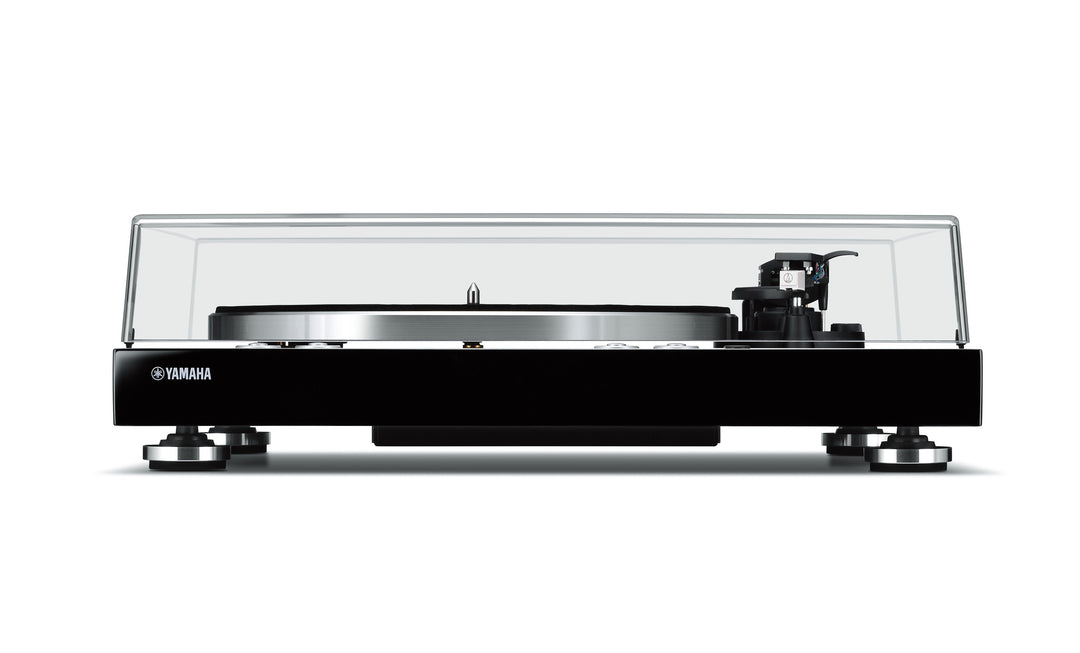
A belt-drive turntable that also streams. The Yamaha MusicCast VINYL 500 (TT-N503) has a straight tonearm, an attached MM cartridge, a switchable built-in phono equaliser, and Wi-Fi, AirPlay and Bluetooth for sending your records to MusicCast speakers around the house.
Yamaha describes it as a wireless turntable that connects to any MusicCast device, so you can enjoy your record collection in other rooms without the cables. It also has music streaming services built in.
You can connect it to an existing amplifier, with or without a phono stage, or add it to an existing MusicCast setup.
Why you will love it
Records in every room
Yamaha says you can wirelessly connect the MusicCast VINYL 500 to your MusicCast speakers and other devices, from speakers to sound bars, and listen to your records throughout the house.
MusicCast multi-room is controlled from the MusicCast app, which Yamaha says gives access to your playlists in different rooms.


Straight tonearm and belt drive
Yamaha says the straight tonearm contributes to sound transparency and openness, and that the belt-drive motor minimises noise caused by vibration.
The platter is aluminium die-cast (30 cm). The tonearm is a static balance type with a 223.5 mm effective length, and an MM cartridge is attached. Yamaha lists wow and flutter of 0.2%.
A streamer as well as a turntable
Beyond vinyl, Yamaha says the VINYL 500 has music streaming services, AirPlay and Bluetooth built in, along with Wi-Fi on both the 2.4 GHz and 5 GHz bands. Yamaha also lists an Ethernet port.
The network section plays FLAC, WAV and AIFF up to 192 kHz / 24-bit, ALAC up to 96 kHz / 24-bit and DSD up to 11.2 MHz. Yamaha says streaming service availability varies by region and may change.

Works with or without a phono stage
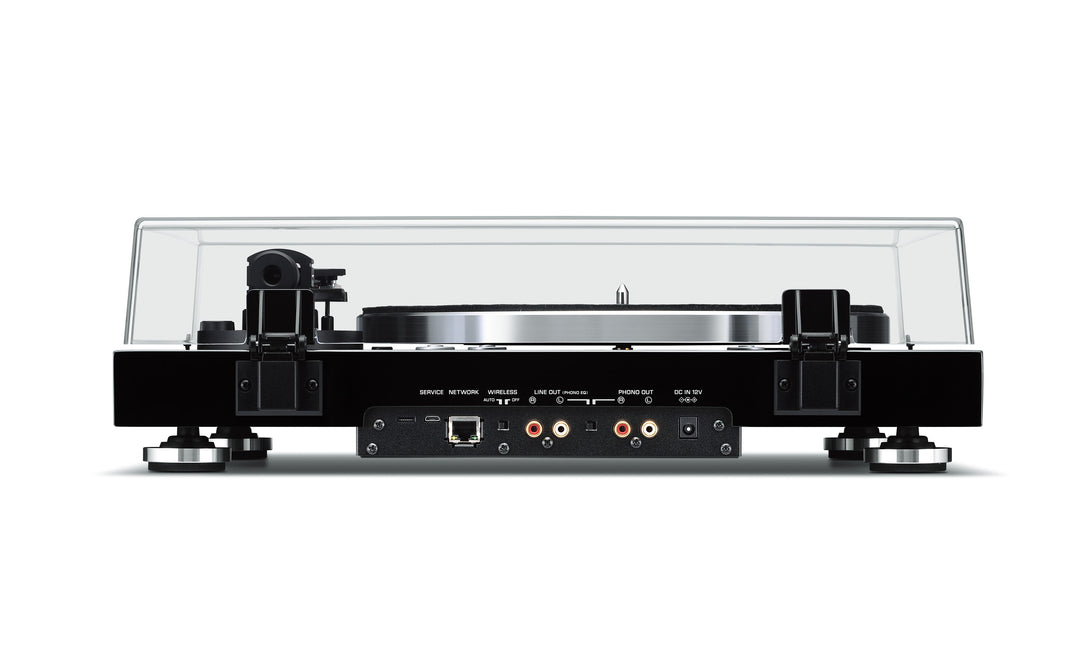
The rear panel has two RCA outputs, PHONO and LINE, and an audio output select switch. According to Yamaha's owner's manual, LINE OUT is the default and sends the signal through the built-in phono equaliser. PHONO OUT sends the raw cartridge signal to an amplifier or equaliser that has a phono input.
Is it right for you?
A great fit if you…
- Want to play records and stream from the same unit
- Plan to build a MusicCast multi-room system
- Have an amplifier with or without a phono input
- Want an MM cartridge already fitted
Worth knowing
- It needs an amplifier or powered speakers to make sound. Yamaha's manual shows it connecting to speakers with a built-in amplifier using the supplied RCA stereo cable
- Yamaha says streaming service availability varies by region and may change
- The turntable has an audio output select switch: use LINE OUT (the default) with powered speakers or an amplifier that has no phono input
- Yamaha lists Bluetooth range as about 10 m without interference
Build your system
Yamaha says the MusicCast VINYL 500 can be added to an existing MusicCast setup, or connected to an amplifier you already own.
- Turntable and speakers: See the Yamaha Mini Essentials Hi-Fi Bundle or the Yamaha Big Bro HS4 Hi-Fi Bundle, which pair this turntable with powered studio monitors.
- Amplifier: Connect it to a stereo amplifier, or choose a powered speaker such as the Yamaha HS3.
- Alternatives: Prefer a simpler turntable? See the Yamaha TT-S303 or browse turntables.
Specifications
Turntable
| Drive method | Belt drive |
|---|---|
| Motor | DC motor |
| Rotation speed | 33-1/3 rpm, 45 rpm |
| Rotation speed variation | ±2% |
| Wow and flutter | 0.2% |
| Platter | Aluminium die-cast, 30 cm diameter |
| Output level | 450 mV (-7 dBV, with RIAA EQ, 1 kHz, 3.54 cm/sec); 2.5 mV ±3 dBV (without RIAA EQ) |
| Signal to noise ratio | 67 dB or higher (A-weighted, 20 kHz, LPF) |
Tonearm and cartridge
| Tonearm | Static balance straight tonearm |
|---|---|
| Effective arm length | 223.5 mm |
| Overhang | 19 mm |
| Stylus pressure adjustment range | 0-4 g |
| Acceptable cartridge weight | 15.5-19 g (including headshell) |
| Attached cartridge | MM type, 2.5 mV output (1 kHz, 3.54 cm/sec) |
| Stylus pressure | 3.5 ±0.5 g |
Network and Bluetooth
| File formats | MP3 / WMA / MPEG-4 AAC up to 48 kHz / 16-bit; ALAC up to 96 kHz / 24-bit; FLAC / WAV / AIFF up to 192 kHz / 24-bit; DSD up to 11.2 MHz |
|---|---|
| Ethernet | Yes |
| Wi-Fi | Yes (2.4 / 5 GHz) |
| AirPlay | Yes |
| Bluetooth | Version 4.2, A2DP and AVRCP, SBC and AAC codecs |
| Bluetooth range | 10 m without interference |
Audio and general
| Output terminal | RCA x2 (PHONO, LINE) |
|---|---|
| Output level (network) | 2.0 ±0.3 V (1 kHz, 0 dB, Fs 44.1 kHz) |
| Signal to noise ratio (network) | 110 dB or higher (IHF-A, Fs 44.1 kHz) |
| Harmonic distortion (network) | 0.003% or lower (1 kHz, 0 dB, Fs 44.1 kHz) |
| Frequency response (network) | 2 Hz to 20 kHz (+0/-3 dB) at Fs 44.1 kHz; 2 Hz to 96 kHz (+0/-6 dB) at Fs 192 kHz |
| Power consumption | 6 W |
| Dimensions (W x H x D) | 450 x 136 x 368 mm |
| Weight | 5.7 kg |
Specifications from Yamaha Australia's MusicCast VINYL 500 specification page and the TT-N503 owner's manual, checked November 2026.
What is in the box
- Counter weight, head shell with cartridge, 45 rpm adaptor, dust cover and hinges, RCA stereo cable, AC adaptor, owner's manual and supplement (as listed in Yamaha's owner's manual)
Questions people ask
Does it have a built-in phono preamp?
Yes. Yamaha's manual describes an audio output select switch. LINE OUT (the default) sends the signal through the built-in phono equaliser. PHONO OUT bypasses it for an amplifier with a phono input.
Can it play wirelessly to speakers?
Yes. Yamaha says it connects wirelessly to MusicCast devices, and it also has AirPlay and Bluetooth.
Do I need an amplifier?
Yes, or powered speakers. The turntable has RCA outputs and does not include speakers.
What speeds does it play?
33-1/3 rpm and 45 rpm.
Does it include a cartridge?
Yes. Yamaha lists an attached MM type cartridge.
Which streaming services does it have?
Yamaha says music streaming services are built in and that availability varies by region and may change.
Why is Bluetooth not working?
Yamaha's manual says the WIRELESS switch on the back must be set to AUTO and the SOURCE button pressed to select Bluetooth. The indicator is blue for Bluetooth.